Home

>

CodeSpell Codeing Assistant

>

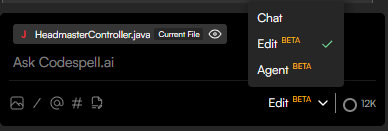
Interaction Modes

Using the CodeSpell Coding Assistant

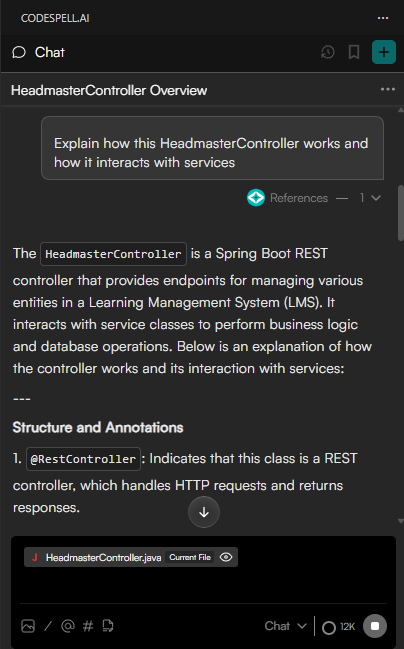
Chat Mode

Use Chat Mode to ask questions, get explanations, or request suggestions.
CodeSpell responds with snippets and recommendations.
You can apply results by:
Adding at cursor, or
Copying and pasting into your code file.
Best suited for understanding, reviewing, and incremental changes.

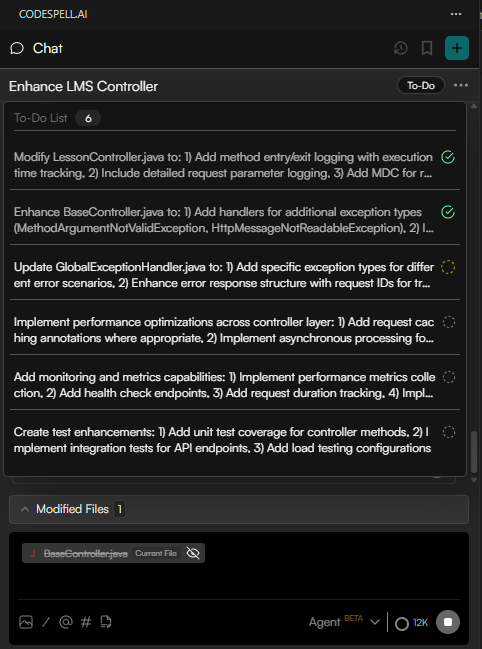
Agent Mode

Completely hassle-free workflow with minimal manual intervention
CodeSpell responds with snippets and recommendations.
You can apply results by:
Adding at cursor, or
Copying and pasting into your code file.
Best suited for understanding, reviewing, and incremental changes.

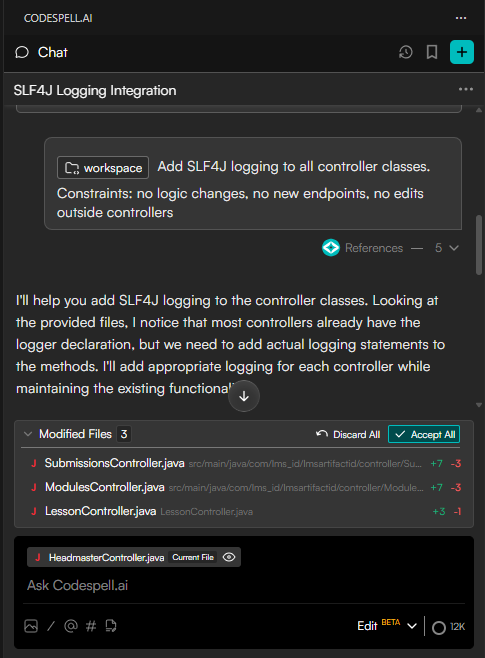
Edit Mode

Use Edit Mode to create new files, write code, or modify existing code across single or multiple files seamlessly.
Ideal for larger changes, refactoring, or generating new functionality directly in the workspace.