Using the CodeSpell Coding Assistant
Inline Spells (Editor Mode): (Smart by Default, Tailored Instantly)
No chat no extra clicks, these options streamline the workflow and boost productivity for everyday users.

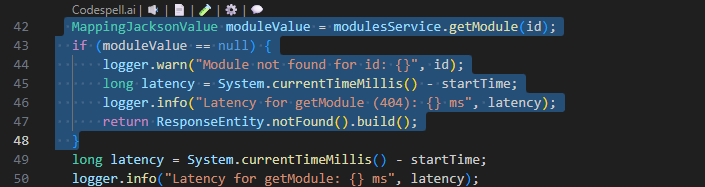
Explain:
.svg)
Instantly explains what the selected function does
Displays a clear, easy-to-understand breakdown in the side panel
Helps you understand unfamiliar or complex code faster
Suggests best-fit logic or code improvements aligned with your implementation

Docstring:
Automatically generates meaningful docstrings for the function
Inserts documentation directly above the code

Unit Test:
Creates a unit test file based on the function’s logic and context
Adapts to the project’s testing framework
Reduces manual effort and speeds up test coverage
.svg)
Optimize:
Refactors code for better structure and readability
Improves performance where applicable
Maintains original functionality while enhancing code quality
.svg)
Inline Chat:
Easily select your code and drop it into the chat window for instant analysis.