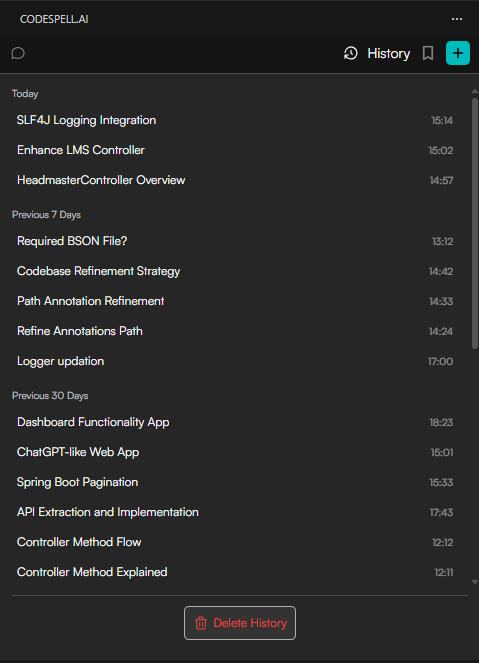
Chat History in CodeSpell stores a record of your previously executed prompts and interactions. It helps you revisit past discussions, understand earlier decisions, and continue where you left off by selecting a chat from history without starting from scratch.
Privacy
Users don’t need to worry about their chats being stored on any server. All chat data remains on the user’s local machine and is not saved by CodeSpell.
How Is Chat History Used?
Review earlier explanations, optimizations, and generated code
Track how a solution evolved over time
Maintain continuity across coding sessions
Steps to Access Chat History
Open the CodeSpell IDE extension panel.
Navigate to the Workspace view.
Click on the History tab in the left sidebar.
Browse through the list of previously executed prompts.
Click any entry to expand and view the full interaction.