Top AI coding assistants of 2026: SoftSpell, GitHub Copilot, Tabnine, Windsurf, Amazon Q Developer, Cursor, JetBrains AI Assistant, and RooCode
Enterprise engineering teams are under more pressure than ever to ship faster, maintain quality, and modernize aging systems, all at the same time. The tools they choose to support that mission matter enormously. A thorough AI coding assistant comparison reveals that not all tools are built equally.
Some excel at individual productivity, others at deep codebase understanding, and still others at end-to-end software lifecycle management. With so many options in front, knowing which AI coding assistant actually fits your team's needs, and your enterprise's scale, can mean the difference between shipping on time and falling behind.
This guide breaks down the top 8 tools for 2026 so you can choose with confidence. Let’s get started!
How Do the Top 8 AI Coding Assistants Compare in 2026?
The AI-powered development tools landscape has matured significantly. Tools have moved beyond simple autocomplete into full agentic workflows, multi-model architectures, and deep codebase integration.
Choosing the right one can meaningfully reduce your delivery time, improve code quality, and support long-term modernization goals. Below is a breakdown of the top 8 contenders.
S No.
AI Coding Assistant Comparison
Best For
Standout Feature
1
SoftSpell
Enterprise SDLC acceleration
End-to-end lifecycle intelligence
2
GitHub Copilot
IDE-integrated productivity
Context-aware code suggestions
3
Tabnine
Governance & compliance
Enterprise Context Engine
4
Windsurf
Developer flow & collaboration
Cascade Agent
5
Amazon Q Developer
AWS-native teams
Cloud cost optimization
6
Cursor
Large, complex codebases
Parallel multi-agent tasking
7
JetBrains AI Assistant
JetBrains ecosystem users
Junie pair programming
8
RooCode
Flexible, model-agnostic teams
Role-specific AI modes
1. SoftSpell
CodeSpell by SoftSpell is designed for development teams looking for more than surface-level code suggestions. It functions as a comprehensive AI coding assistant, taking projects from design through to deployment, handling everything from initial code generation to testing, documentation, and production-ready output.
Supports output in both React and Angular frameworks.
Eliminates the manual rebuild phase for frontend developers.
Produces clean, well-structured code that mirrors the original design intent from the outset.
Full Coverage in One Tool
Rather than juggling multiple platforms, CodeSpell consolidates the entire development workflow under one roof.
Covers code generation, documentation, explanation, and optimization.
Includes built-in support for code suggestions and unit testing.
Allows development, engineering, and QA teams to collaborate within the same environment.
Pre-Built Templates and Real-Time Collaboration
CodeSpell also addresses the time-consuming side of software development: repetitive setup and coordination across teams.
Offers standardized templates for common tasks like CRUD operations and validation rules, saving teams significant time on routine configuration
Enables real-time design collaboration between team members
Automatically generates differential code for each new design iteration, keeping outputs aligned with evolving requirements
Who It's For
CodeSpell is built for development, engineering, and QA teams that need a single, unified tool to support every phase of the software development lifecycle, from the first line of code to the final test.
2. GitHub Copilot
GitHub Copilot remains one of the most widely adopted AI coding assistant platforms. Deeply integrated into GitHub and VS Code, it is designed to help developers create code faster without disrupting their existing workflow. Its broad language support and familiar interface make it an easy first step for teams adopting AI-assisted development.
Key Features
Context-Aware Code Suggestions: GitHub Copilot analyzes the surrounding code, comments, and file structure to offer suggestions tailored to the developer's actual intent, not just generic completions. This makes it particularly effective for reducing boilerplate and speeding up routine logic.
Integrated in Popular IDEs: Copilot works natively within GitHub, VS Code, JetBrains IDEs, and more, meaning developers can access AI assistance without switching tools or changing their environment.
Customizable Agents: Teams can now choose from a variety of Copilot agents and configure them to match specific project needs, giving enterprises more control over how AI is applied across their workflows.
Who Is It For?
GitHub Copilot is ideal for developers and cloud-based teams looking for a proven, easy-to-integrate AI-based coding assistant with broad ecosystem support.
3. Tabnine
Tabnine has carved out a strong position in the enterprise market by prioritizing security, compliance, and contextual awareness. Unlike tools that rely solely on public training data, Tabnine adapts to your organization's own code and enforces governance standards across all AI-generated output.
Key Features
Enterprise Context Engine: Tabnine learns from your organization's codebase, coding conventions, and tech stack, delivering suggestions relevant to your environment rather than generic patterns from public repositories.
Security and Compliance: Tabnine checks AI-generated code against enterprise security standards and compliance requirements, making it a more trustworthy choice for regulated industries or organizations with strict data governance needs.
Integration with Multiple IDEs: Tabnine integrates seamlessly across VS Code, JetBrains, Eclipse, and other platforms, ensuring your entire engineering team receives the same quality of AI assistance regardless of their preferred IDE.
Who Is It For?
Tabnine is best for teams needing reliable enterprise AI codingwith strong governance, compliance controls, and consistent integration across diverse development environments.
4. Windsurf
Windsurf, built by Codeium, is designed to keep developers in an uninterrupted creative flow. Rather than simply responding to prompts, Windsurf actively collaborates in real-time through its Cascade Agent, making it feel less like a tool and more like a coding partner.
Key Features
Cascade Agent: Cascade is Windsurf's core AI agent, capable of writing code, identifying and fixing bugs, and collaborating with the developer in real-time with full awareness of the current task and codebase context. It acts as a genuine pair programmer, not just a code autocompleter.
Intuitive AI Workflow: Windsurf is built to retain codebase context across sessions, so the AI understands not just what you're working on right now but also the broader history and structure of your project, minimizing interruptions.
Turbo Mode: Turbo Mode enables Windsurf to auto-execute terminal commands on the developer's behalf, reducing friction and accelerating repetitive operational tasks without requiring manual input at each step.
Who Is It For?
Windsurf is perfect for teams that value seamless developer flow and need a deeply context-aware AI tool that actively participates in the development process rather than passively suggesting code.
5. Amazon Q Developer
Amazon Q Developer is AWS's dedicated AI-powered code generation tool, built specifically for teams operating within the AWS ecosystem. If your infrastructure, deployments, and development workflows are tightly coupled to AWS services, Amazon Q Developer offers uniquely targeted value that general-purpose tools cannot match.
Key Features
AWS-Optimized Code Generation: Amazon Q Developer generates code with a native understanding of AWS APIs, services, and best practices, meaning suggestions are directly applicable to the cloud environment your team is already working in.
Automatic Testing and Refactoring: Beyond code generation, Amazon Q Developer helps teams continuously improve code quality through automated refactoring suggestions and test generation, fostering a culture of continuous improvement throughout the development lifecycle.
Cloud Cost Optimization: One of Amazon Q Developer's standout capabilities is its ability to analyze cloud resource usage and surface optimization opportunities directly within the IDE, helping teams reduce unnecessary spend without leaving their development environment.
Who Is It For?
Amazon Q Developer is ideal for teams deeply embedded in the AWS ecosystem who need targeted AI code suggestions and cloud resource optimization as part of their daily development workflow.
6. Cursor
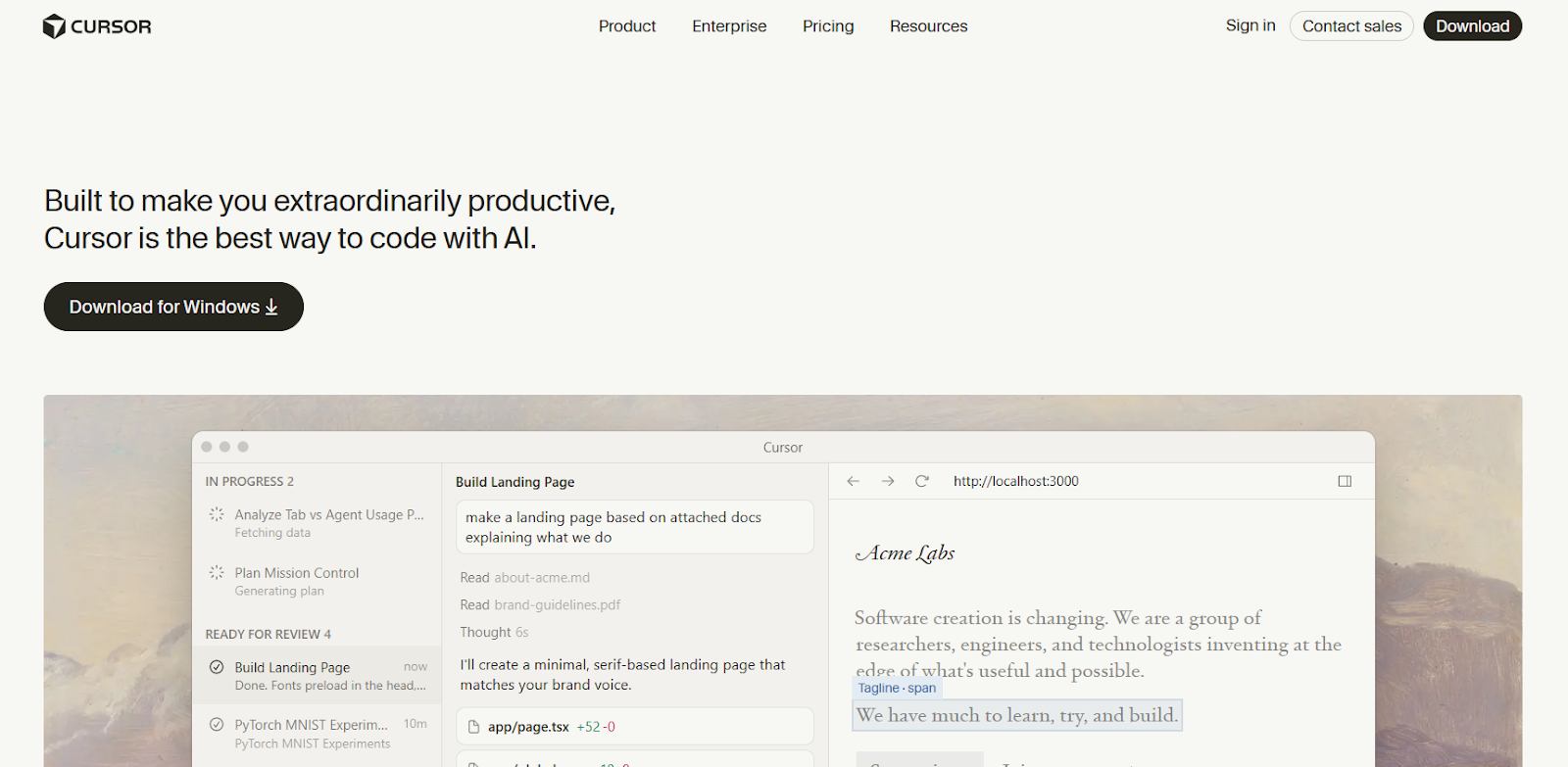
Cursor takes a different architectural approach by leveraging a multi-agent system that allows large engineering teams to break down complex tasks and run them in parallel. It is particularly effective for teams managing large, sprawling codebases that require deep contextual understanding and fast execution.
Key Features
Codebase Indexing: Cursor indexes your entire codebase, giving it a holistic understanding of your project structure, naming conventions, dependencies, and logic, enabling smarter, more contextually accurate suggestions and fixes.
Parallel Tasking: Cursor uses multiple models running in parallel to execute different tasks simultaneously, significantly speeding up complex workflows like refactoring, debugging, and feature development across large codebases.
Customizable Agents: Teams can configure Cursor's agents to align with their specific architectural conventions, coding standards, and project requirements, giving enterprise teams the control they need without sacrificing AI capability.
Who Is It For?
Cursor is ideal for large engineering teams working with complex, multi-file codebases that need an intelligent code completion tool capable of parallel execution and deep customization.
7. JetBrains AI Assistant
JetBrains AI Assistant is built to serve developers who have already standardized on JetBrains IDEs. By embedding AI directly into tools like IntelliJ IDEA, PyCharm, WebStorm, and Android Studio, JetBrains delivers a seamless, deeply integrated experience that requires no workflow changes.
Key Features
Full IDE Integration: JetBrains AI is natively embedded in the full JetBrains product suite, as well as in VS Code and Android Studio, ensuring a consistent AI experience across backend services, mobile apps, and web projects.
Automated Code Completion: JetBrains AI provides intelligent, real-time code completion that goes beyond simple pattern matching. It understands intent and context within the active project, offering more relevant completions as developers write.
Pair Programming with Junie: Junie is JetBrains' agentic coding assistant, capable of helping developers plan features, write code, refine logic, and run tests. It functions as a genuine pair programmer, handling structured tasks while keeping the developer in control of decisions.
Who Is It For?
JetBrains AI Assistant is best for teams already using JetBrains IDEs who want an AI-assisted programming experience without disrupting their existing toolchain or requiring them to learn new environments.
8. RooCode
RooCode is a model-agnostic AI coding assistant copilot that prioritizes flexibility above all else. Rather than tying teams to a single AI model or workflow, RooCode allows developers to mix and match models and configure role-specific modes, making it well-suited for teams with diverse needs and complex platform requirements.
Key Features
Model-Agnostic Design: RooCode integrates with multiple AI models, allowing teams to select the best model for each specific task, whether that is code generation, debugging, documentation, or testing, rather than being locked into a single provider's capabilities.
Role-Specific Modes: RooCode's role-specific modes restrict AI capabilities to defined tasks such as coding, debugging, or testing, giving team leads more precise control over how and where AI assistance is applied throughout the development process.
Full Workflow Integration: RooCode integrates with platforms such as GitHub, Slack, and other collaboration and version control tools, ensuring AI assistance flows naturally into the team's existing workflows rather than requiring a separate, isolated experience.
Who Is It For?
RooCode is perfect for teams looking for a highly customizable, model-agnostic AI developer tool that integrates across their existing platforms without imposing a rigid workflow.
Conclusion
The right AI coding assistant for developers can transform how your enterprise engineering team works, from accelerating feature delivery to finally getting a handle on legacy modernization. The eight tools covered here each bring real strengths to the table, but for enterprise teams that need a solution spanning the entire software development lifecycle, SoftSpell stands out.
With capabilities ranging from requirements and code generation to testing and deployment, SoftSpell not only speeds up individual tasks; it elevates the entire SDLC. Teams that adopt it gain not only faster delivery cycles but also greater consistency, quality, and control over one of their most critical business assets: their codebase.
1. What is the best AI coding assistant for enterprise teams in 2026?
SoftSpell is widely regarded as a top choice for enterprise teams because it covers the full software development lifecycle, from requirements to deployment, rather than focusing only on code generation.
2. How do AI coding assistants improve developer productivity?
AI coding assistants reduce the time developers spend on repetitive tasks such as creating boilerplate code, generating documentation, and creating test cases, allowing them to focus on higher-value architectural and problem-solving work.
3. Is GitHub Copilot suitable for large enterprise codebases?
GitHub Copilot is well-suited for individual and team productivity within IDEs, but for large enterprise codebases with complex legacy systems, tools like SoftSpell or Cursor may offer more comprehensive support.
4. What should enterprises look for when choosing an AI coding assistant?
Key factors include codebase-level context awareness, security and compliance controls, IDE compatibility, legacy modernization support, and integration with your existing development platforms.
5. Can AI coding assistants help with legacy code modernization?
Yes. Tools like SoftSpell are specifically designed to support legacy modernization by analyzing existing code, generating structured documentation from undocumented logic, and providing real-time suggestions for transitioning to modern, scalable architectures.


.svg)