Top 10 AI coding assistants: CodeSpell, Cursor, CodeGPT, Tabnine, Augment Code, IBM WatsonX Code Assistant, Tabby, GitHub Copilot, Qodo, and Windsurf.
Is your development team still losing hours to repetitive coding tasks and slow review cycles? Many teams face the same challenge today.
Inefficiency, coding errors, and delayed delivery cycles create some of the biggest problems for enterprise teams. Many developers now save about 3.6 hours every week when they switch to the best AI coding assistant.
These tools support many development tasks. They help with code generation, testing, documentation, and code improvement. When you use them well, your team can move faster and focus on more important work. Think about the time your team could save when routine tasks run automatically.
This blog highlights 10 leading options. It helps your team choose the right solution with confidence.
Which Are The Top 10 AI Coding Assistants of 2026?
Tool
Best For
Standout Feature
CodeSpell from SoftSpell
Full-SDLC teams + frontend
Figma-to-code + full SDLC coverage
Cursor
Complex codebase management
Parallel subagents + IDE replacement
CodeGPT
Model flexibility & cost control
Bring-your-own API key
Tabnine
Enterprise security & compliance
Zero data retention
Augment Code
Controlled agentic workflows
Plan-first execution
IBM watsonx
Legacy modernization
COBOL & RPG to Java
Tabby
Open-source & data sovereignty
Full infrastructure ownership
GitHub Copilot
GitHub-native teams
Ecosystem & agent integrations
Qodo
Code quality & review
Automated PR workflows
Windsurf
Flow-state development
Implicit intent tracking
1. CodeSpell from SoftSpell
CodeSpell from SoftSpell is built for teams that want more than just code suggestions. The AI coding assistant excels at writing code to testing it, documenting it, and even generating it from a Figma design.
Key Features
Figma to Production-Ready Code: Turn your Figma designs directly into React or Angular code. Your frontend team stops rebuilding what designers already created. You get clean, structured code from the start.
Full Coverage in One Tool: CodeSpell handles code generation, documentation, explanation, optimization, suggestions, and unit testing. Your dev, engineering, and QA teams work from the same platform without switching tools.
Pre-Built Templates and Real-Time Collaboration: Standardized templates for CRUD operations and validation rules save your team hours on repetitive setup. You collaborate on designs in real time and generate differential code for every iteration.
Who is it for?
Development, engineering, and QA teams that want one tool to accelerate every stage of the software lifecycle.
2. Cursor
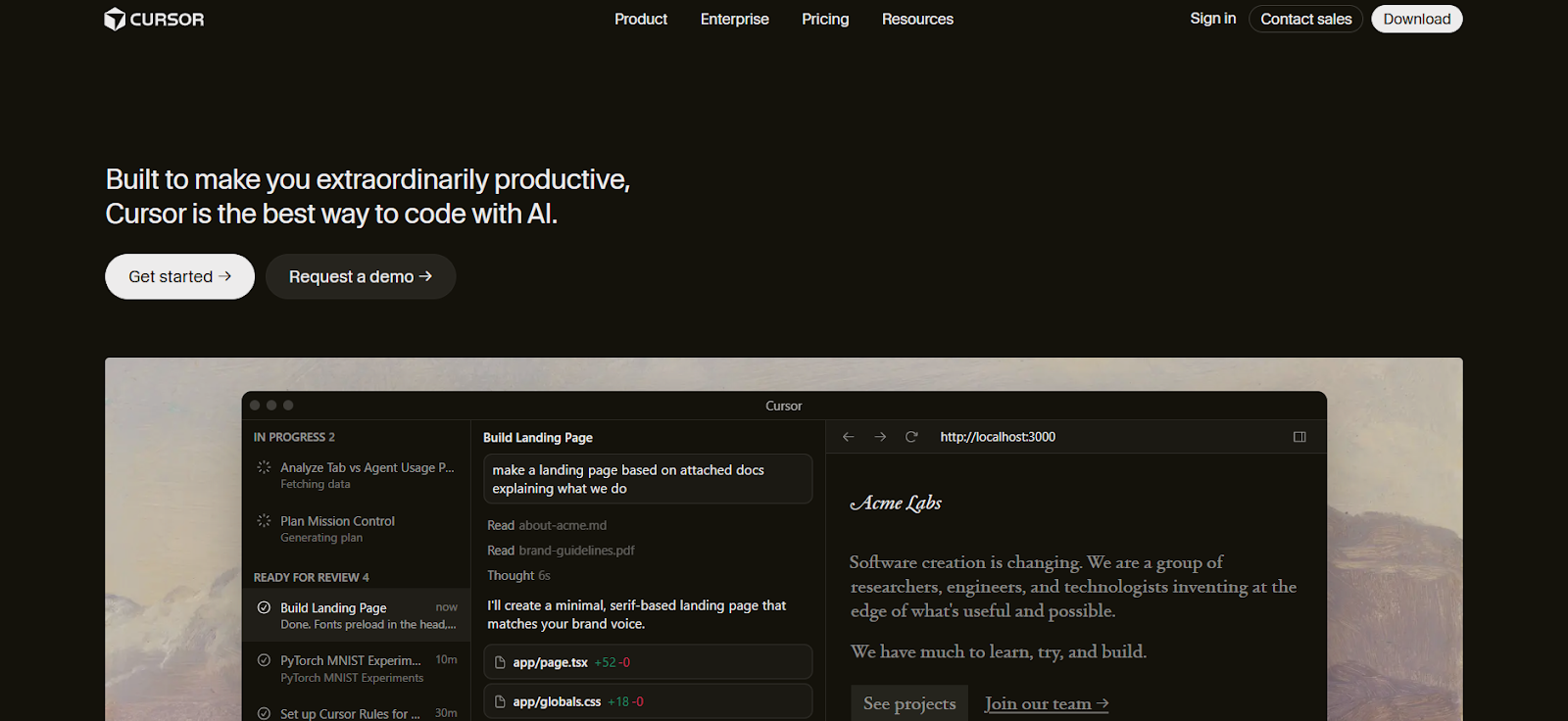
Cursor goes beyond being an assistant. It replaces your IDE entirely. It indexes your codebase deeply before writing a single line, so it understands your project the way a senior developer would.
Key Features
Codebase Indexing: Cursor uses custom embedding models to understand your entire codebase. Your team gets suggestions that are accurate and contextually relevant, even in large projects.
Parallel Subagents with Multiple Models: Different agents run simultaneously, each using the best model for their task. Your complex problems get solved faster without waiting on sequential processing.
Team Rules: You define your conventions and architectural decisions once. Cursor follows them consistently across every suggestion your team receives.
Who is it for?
Large engineering teams managing complex, multi-layered codebases who are open to adopting a new IDE.
3. CodeGPT
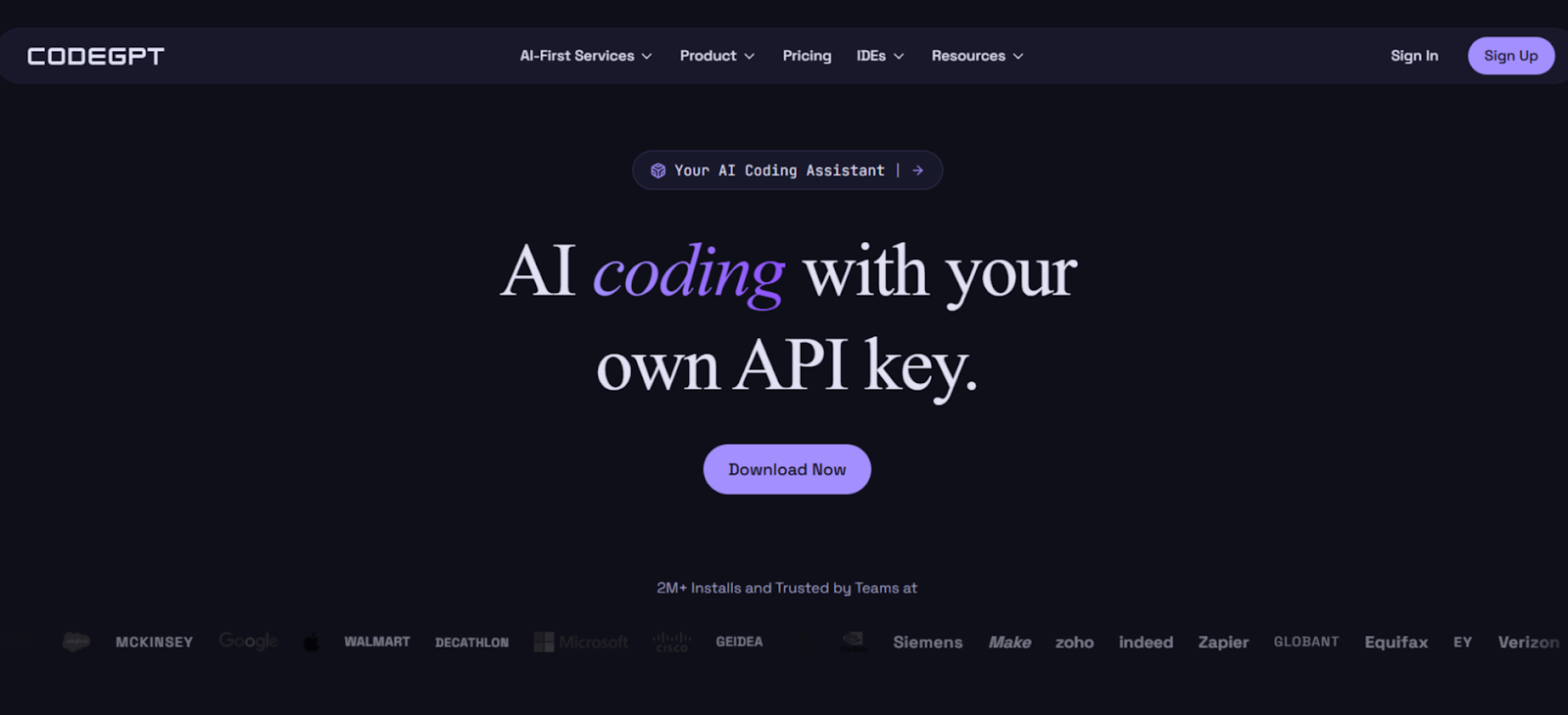
CodeGPT puts you in full control. You bring your own API keys, choose your model, and see every action before it's taken. There are no hidden costs and no surprises.
Key Features
Bring-Your-Own API Key: Use Claude, Gemini, or any frontier model you prefer. You switch models anytime without changing your workflow or paying a markup.
Full Visibility Before Every Change: CodeGPT shows you exactly what it's doing, reading files, weighing options, and suggesting edits. You review every step before anything is committed.
MCP Integration: Connect CodeGPT to your APIs, documentation, and databases through MCP. Your assistant understands your full technical environment, not just the open file.
Who is it for?
Teams that want complete model flexibility, cost control, and transparency in every AI action.
4. Tabnine
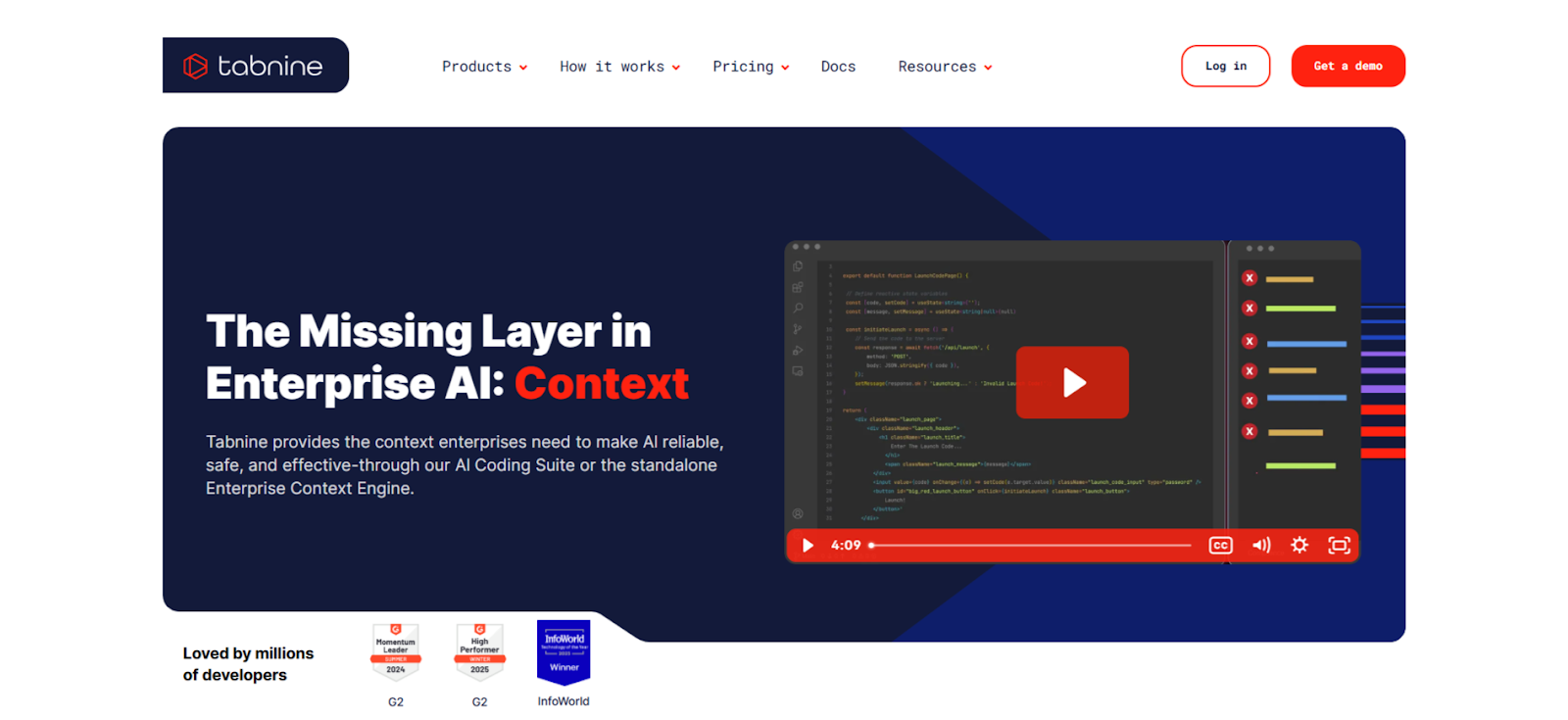
Tabnine is built for enterprises where data privacy isn't optional. It runs entirely within your environment and never retains your code. Your IP stays yours.
Key Features
Private Deployment Anywhere: Deploy on SaaS, on-premises, or fully air-gapped. Your code never leaves your infrastructure. Tabnine is the only tool in this list with all three deployment options.
Centralized Governance and Auditability: You get full visibility into who's using what, policy enforcement across teams, and a complete audit trail. Your compliance team will approve.
Who is it for?
Enterprises in regulated industries that need a fully private, auditable, and policy-governed AI coding platform.
5. Augment Code
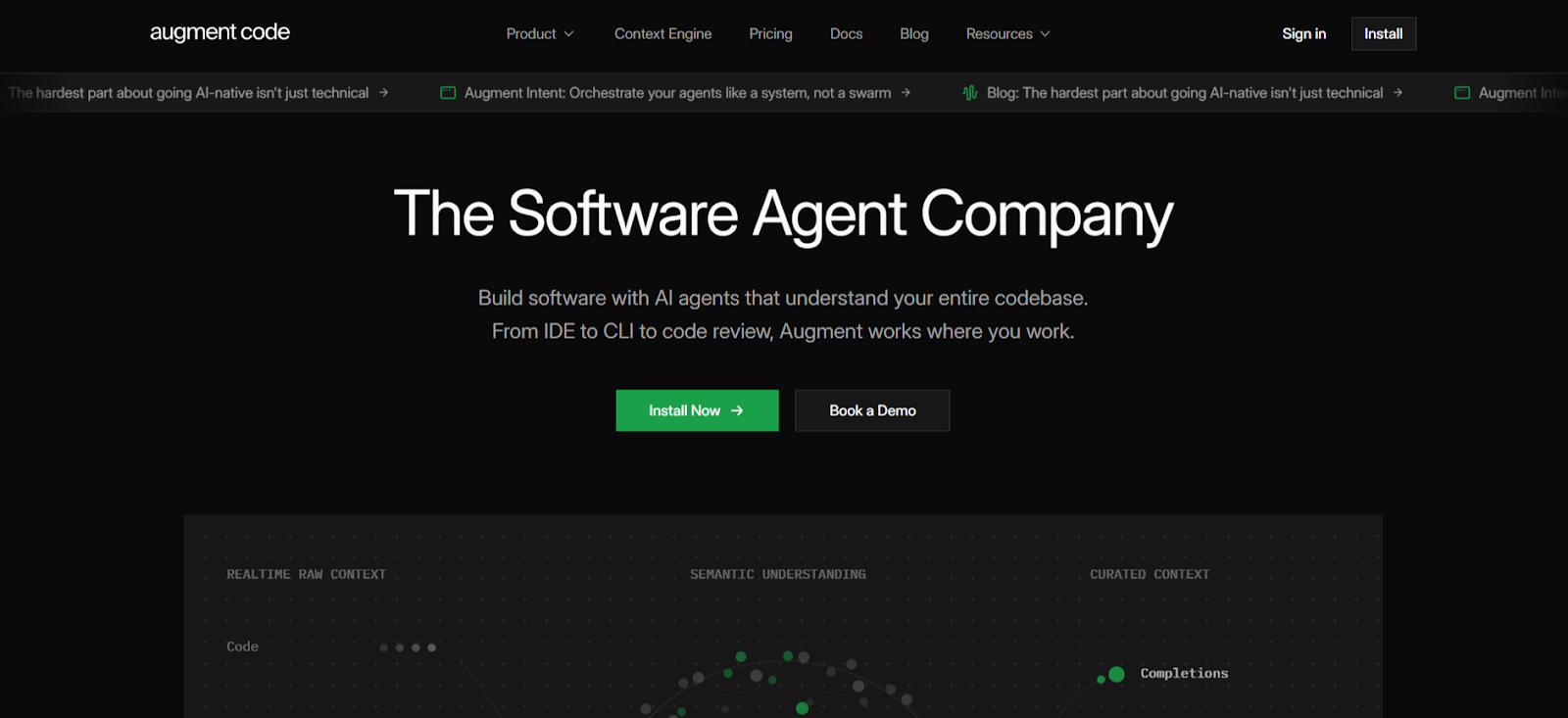
Augment Code plans before it acts. It maps out every step before touching your code. Your team always knows what's happening and why.
Key Features
Transparent Memory Management: Every pattern Augment saves is surfaced to you first. You approve, edit, or discard it. Nothing is stored without your sign-off.
Prompt Enhancer: Type a short instruction, and Augment expands it automatically. It pulls in your file paths, error-handling patterns, and test conventions so your prompts are always precise.
Who is it for?
Development teams that need full visibility and control over what their AI agent does before it does it.
6. IBM watsonx Code Assistant
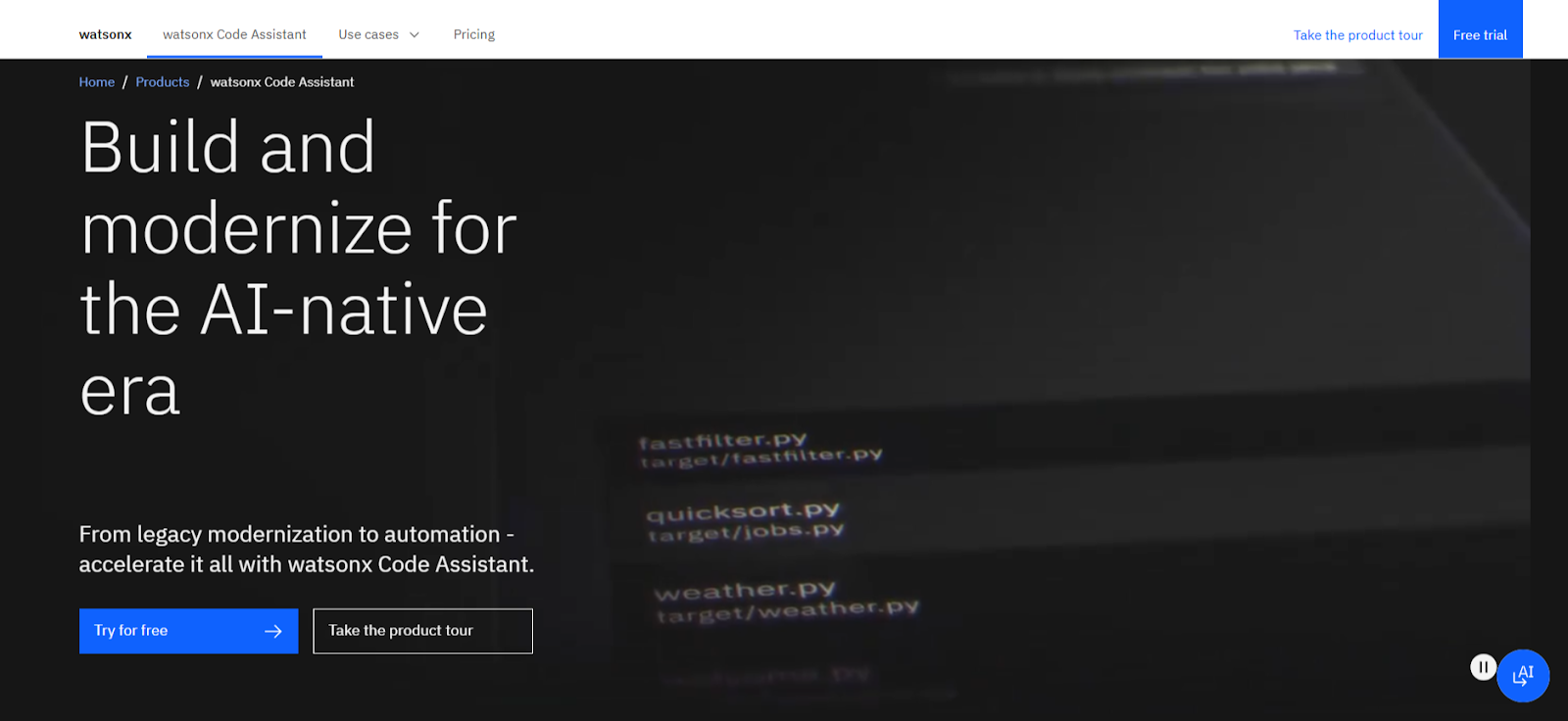
IBM watsonx is not a general-purpose coding assistant. It's a specialist. If your enterprise is sitting on decades of COBOL, RPG, or outdated Java, this tool was built for exactly that problem.
Key Features
COBOL to Java Transformation: watsonx selectively transforms COBOL business services into modern Java. Your critical business logic is preserved throughout the process.
RPG and IBM i Modernization: Purpose-built for IBM i applications written in RPG. Developers unfamiliar with RPG can now work on and modernize your core applications.
Who is it for?
Large enterprises and government organizations with significant legacy mainframe codebases need to modernize.
7. Tabby
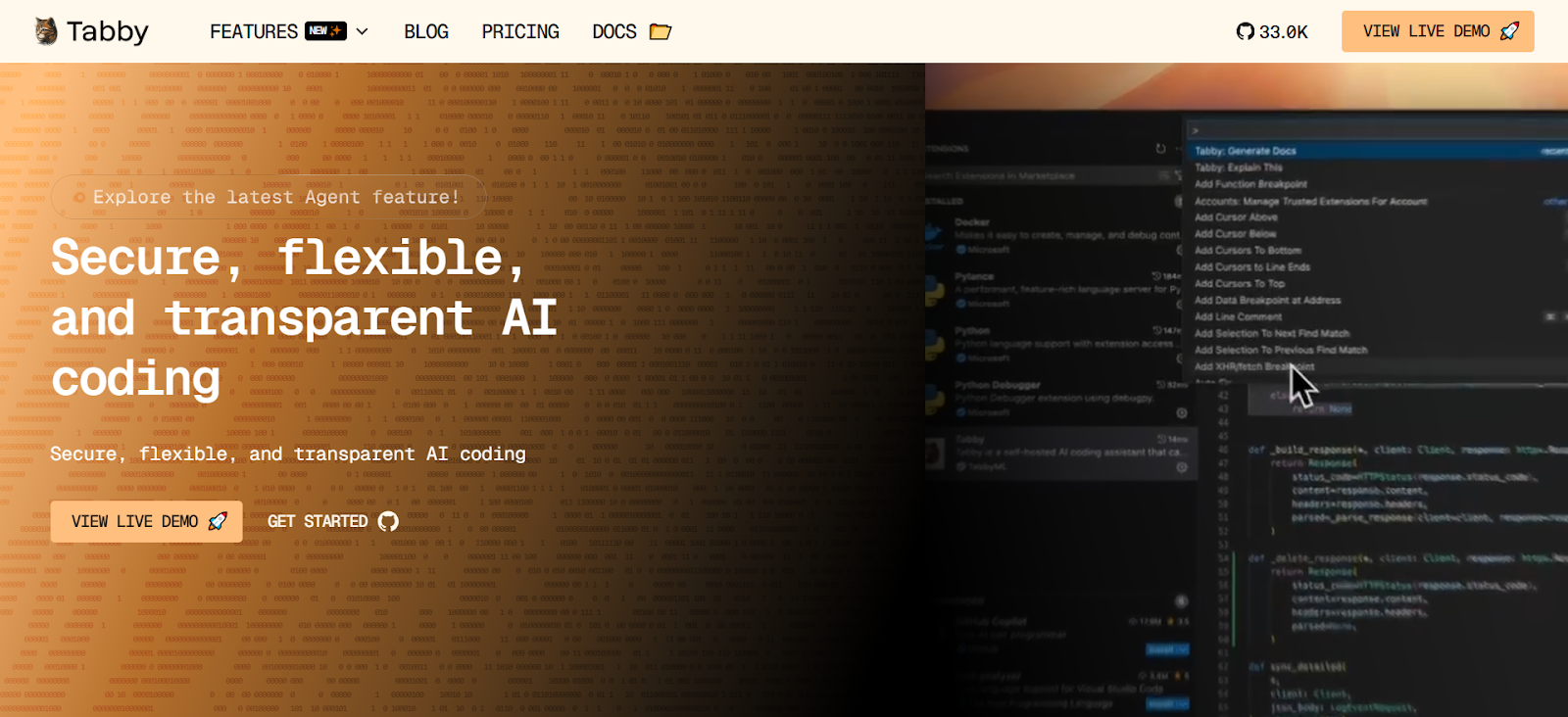
Tabby gives you full ownership. It's open-source, self-hosted, and runs without any external cloud dependency. Your infrastructure, your rules.
Key Features
Self-Hosted Deployment: Tabby runs on your own servers, including consumer-grade GPUs. You need no external database, no cloud service, and no third-party access to your code.
Context Providers: Connect Tabby to your documentation, configuration files, and external APIs. Your assistant understands your project's full context, not just what's visible in the editor.
Code Completion, Inline Chat, and Answer Engine: Tabby covers your core coding assistance needs. You get real-time suggestions, instant answers, and collaborative inline chat, all within your IDE.
Who is it for?
Security-conscious organizations with strong DevOps teams that require open-source transparency and full data sovereignty.
8. GitHub Copilot
GitHub Copilot lives where your team already works. It integrates across GitHub, Slack, Teams, VS Code, and more, with no new tools to adopt and no workflow disruption.
Key Features
Multi-Agent Orchestration: Assign tasks to Copilot, Claude, or Codex from a single interface. You pick the right agent for each job without leaving your existing workflow.
Slack and Teams Integration: Assign tasks to Copilot directly from a conversation. It pulls context from your chat, decisions, links, code and gets to work immediately.
Automated Pull Request Assistance: Copilot writes PRs, handles edits, and responds to @mentions while your team codes. Your review cycles move faster without extra manual effort.
Who is it for?
Teams already embedded in the GitHub ecosystem who want AI assistance with minimal setup and disruption.
9. Qodo
Qodo doesn't just help you write code. It helps you write better code. Its focus is on catching issues early, enforcing standards, and making code review intelligent at scale.
Key Features
Automated Pull Request Workflows: Qodo runs 15+ automated PR workflows with precise, explainable feedback. Your team gets high-signal reviews without overloading senior developers.
Real-Time Local Validation: Qodo detects logic errors, security risks, and non-compliant changes before your code reaches the repository. You fix issues while they're still cheap to fix.
Who is it for?
Engineering teams where code quality, security compliance, and consistent standards across contributors are non-negotiable.
10. Windsurf
Windsurf's Cascade agent tracks everything you do, edits, terminal commands, clipboard activity, conversation history, and uses it to infer what you need next. You stay in flow without repeating yourself.
Key Features
Implicit Intent Tracking: Cascade reads your actions, not just your prompts. It understands your current task from your behavior and adapts its suggestions in real time.
Terminal and File Tracking: Every shell command and file edit is factored into Cascade's suggestions. Your context is always complete, even when you don't spell it out.
Who is it for?
Developers who lose productivity to context-switching and want an AI that keeps up without being told to.
Conclusion
Which AI coding assistant truly fits the way your team works?
You explored 10 different tools, and each tool offers a unique strength. Some tools focus on security. Others support legacy modernization or give stronger open source control. However, many teams prefer one platform that manages everything in one place.
CodeSpell stands out when your team needs one platform that covers code generation, documentation, testing, optimization, and Figma to code. You do not need to manage multiple tools across the development process.
CodeSpell supports the full SDLC from the beginning. It helps teams simplify development and move faster with confidence.
Stop managing unnecessary complexity. Start delivering software faster. Book a demo with CodeSpell today and experience the difference directly.
Coding tools help developers write, test, review, and optimize software. Modern AI-powered versions go further. They generate code, catch bugs, explain logic, and automate documentation.
2. What is an AI-powered coding tool?
An AI-powered coding tool uses machine learning to assist developers in real time. It suggests code, detects errors, generates tests, and helps teams ship faster with fewer mistakes.
3. How does an AI code generator work?
An AI tool code generator analyzes your existing code, understands your intent, and produces new code based on context. The best ones learn your team's patterns and standards over time.
4. What is AI-powered code generation?
AI-powered code generation automates the creation of code structures, functions, and configurations. Instead of writing everything from scratch, your team focuses on logic while AI handles the repetitive build work.
5. Which AI coding assistant is best for enterprises?
It depends on your priority. For full SDLC coverage across dev, engineering, and QA teams in one platform, CodeSpell is the strongest choice.


.svg)
.jpg)