Top 10 Design to Code Tools to Build a Web App Effortlessly in 2026

Figma to code

February 18, 2026

Key Highlights:

Top Design to Code Tools: SoftSpell, Builder.io, Codia AI, Rocket, Locofy, Lovable, Anima, Uizard, Zeplin, and CodeParrot.

Have you ever wondered how quickly design-to-code tools are changing web development? 

You can already see this shift happening around you. In today’s fast-moving web app development space, AI plays a major role. It automates tasks and simplifies the process. 

As a result, you build faster and work more efficiently. Here are some key insights:

  • In just 10 years, the generative AI design sector will grow to 18 times its current size.

This blog explores the top 10 design-to-code tools shaping web app creation in 2026. It shows how SoftSpell, the design-to-code tool, helps you turn designs into fully functional web apps.

Design to Code: 10 Tools That Make Web App Creation Easy

Top Design to Code Tools Comparison

S.No Design to Code Tool Best Features Who it is For
1 SoftSpell Figma to Production Ready Code
Generate Code in Minutes
Collaborate and Iterate Seamlessly
Developers
DevOps
QA Engineers
Enterprises
2 Builder.io Drag-and-drop interface
Visual CMS
Framework integrations
Designers
Developers
Non-technical users
3 Codia AI AI-driven code generation
Customizable code
Platform integrations
Developers
AI enthusiasts
Fast-development teams
4 Rocket Fast deployment
Design-to-code integration
Easy interface
Developers
Startups
Small businesses
5 Locofy Automatic code generation
Code export
React/Next.js support
Designers
Developers
Product teams
6 Lovable Live previews
Responsive design
Easy code export
Small teams
Designers
Startups
7 Anima Real-time collaboration
Interactive prototypes
Figma/Sketch integration
UX/UI Designers
Product teams
8 Uizard Quick mock-up creation
No-code design-to-code
AI suggestions
Designers
Entrepreneurs
No-code teams
9 Zeplin Easy export
Style guides
Handoff features
Design teams
Front-end developers
Product managers
10 CodeParrot AI-driven automation
Code quality checks
Multi-platform support
Developers
Design teams

1. SoftSpell

CodeSpell using AI inside the IDE to generate, fix, and document code while reducing manual coding effort by up to 50 percent

Transform your software development lifecycle with SoftSpell, an AI-powered tool that simplifies your entire development process. It automates complex workflows and helps you move faster with smooth operations. It improves team efficiency and keeps you ahead. 

Turn your ideas into structured designs using tools for APIs, microservices, and data models. SoftSpell creates starter kit codebases directly inside your IDE. You start with a clear structure from the beginning.

Figma to Production Ready Code

Create production-ready React or Angular code straight from your Figma designs. Select components, review the output, and download a complete front-end scaffold. The process stays fast and accurate. It keeps things simple and smooth.

Generate Code in Minutes

Use standard templates that cover architecture, CRUD, validations, and APIs. You save time and avoid repetitive setup. 

Collaborate and Iterate Seamlessly

Share designs with your team and update them in real time. Create code updates easily without confusion.

Built-in Best Practices for Consistency

pre-built standards keep your code consistent and high in quality. Your team focuses on business logic.

Here’s what SoftSpell can actually help you out with.

ReqSpell: Seamless Requirement to Code:

ReqSpell helps you extract and manage requirements from documents with ease. It connects requirements directly to test plans and keeps your projects aligned from start to finish.

  • Efficient Requirement Extraction: Quickly pull and process requirements from documents.
  • Trace to Test Plans: Connect requirements clearly with your test plans.
  • Smooth Workflow: Keep projects on track with optimized requirement handling.

CodeSpell: Ultimate AI Coding Sidekick:

CodeSpell works as your AI assistant and speeds up software delivery. It generates clean and maintainable code with less effort. It breaks down complex logic and creates documentation automatically. You save time and reduce errors.

  • Automated Code Generation: Create clean and optimized code automatically.
  • Documentation Creation: Generate relevant documentation as you code.
  • Simplified Logic Breakdown: Turn complex logic into simple and manageable parts.

TestSpell: AI-Driven Test Automation:

TestSpell manages your testing process from requirement analysis to test reporting. It helps you create tests faster and generates reports automatically. It maintains quality while keeping development cycles fast.

  • End-to-End Test Optimization: Simplify every stage of testing.
  • Quick Test Creation: Create tests quickly based on requirements.
  • Enhanced Reliability: Improve testing efficiency and result accuracy.

Who is it for:

SoftSpell is designed for software developers, development teams, DevOps professionals, QA engineers, product managers, startups, and enterprises.

2. Builder.io

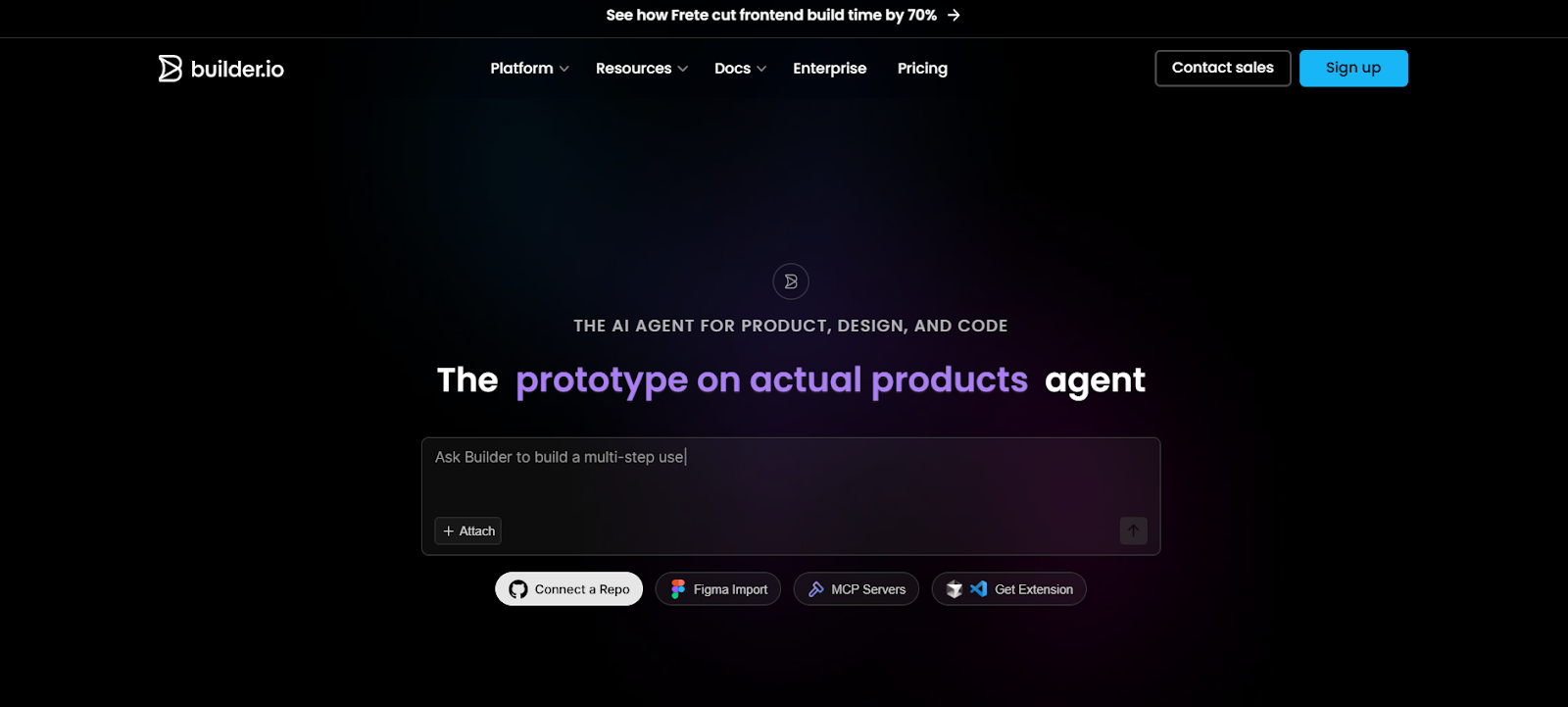
Builder.io is increasing development capacity by 20 percent

Builder.io is a visual editor and web app builder that helps you turn designs into working code. It uses a simple drag-and-drop interface, so both developers and non-developers can use it easily. It connects design and development for a smooth experience.

Key Features:

  • Drag and Drop Interface: Lets you create designs without coding knowledge.
  • Visual CMS: Helps you manage content easily with a visual editor.
  • Integrations with Popular Frameworks: Works with React, Vue, and Angular.

Who is it for

Designers, developers, and non-technical users who want to turn designs into live apps.
3. Codia AI

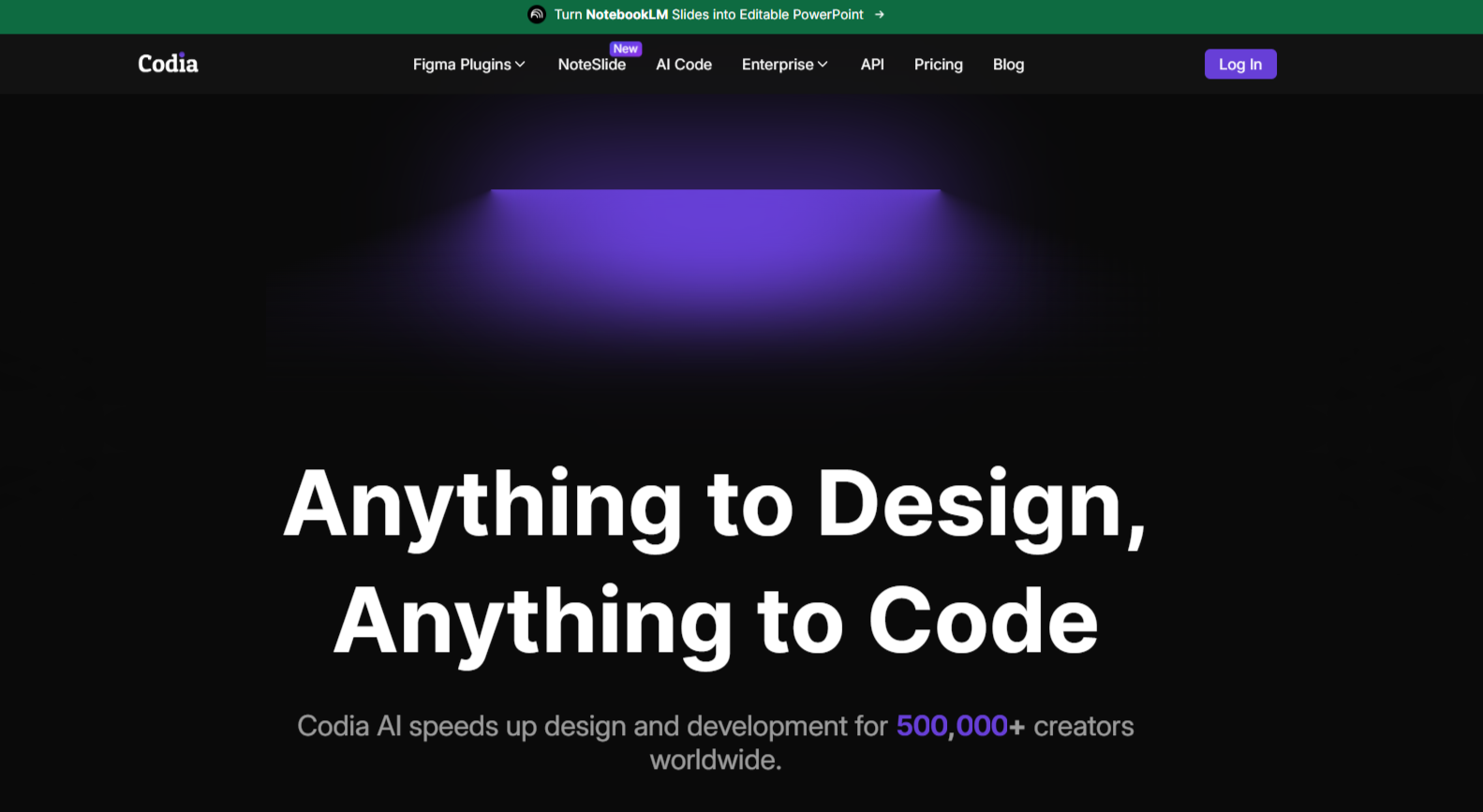
Codia AI delivering 99.9 percent conversion accuracy, 100 times faster migration, and round-the-clock enterprise support


 Codia AI uses artificial intelligence to convert design mockups into working code. It speeds up design-to-code conversion and reduces manual effort. It helps you build faster and work more efficiently.

Key Features:

  • AI-Powered Design to Code: Creates code automatically from design files.
  • Customization Options: Let you adjust the generated code as needed.
  • Platform Integrations: Connects with tools like Figma and Sketch.

Who is it for

AI enthusiasts, developers, and companies that want faster development.
4. Rocket

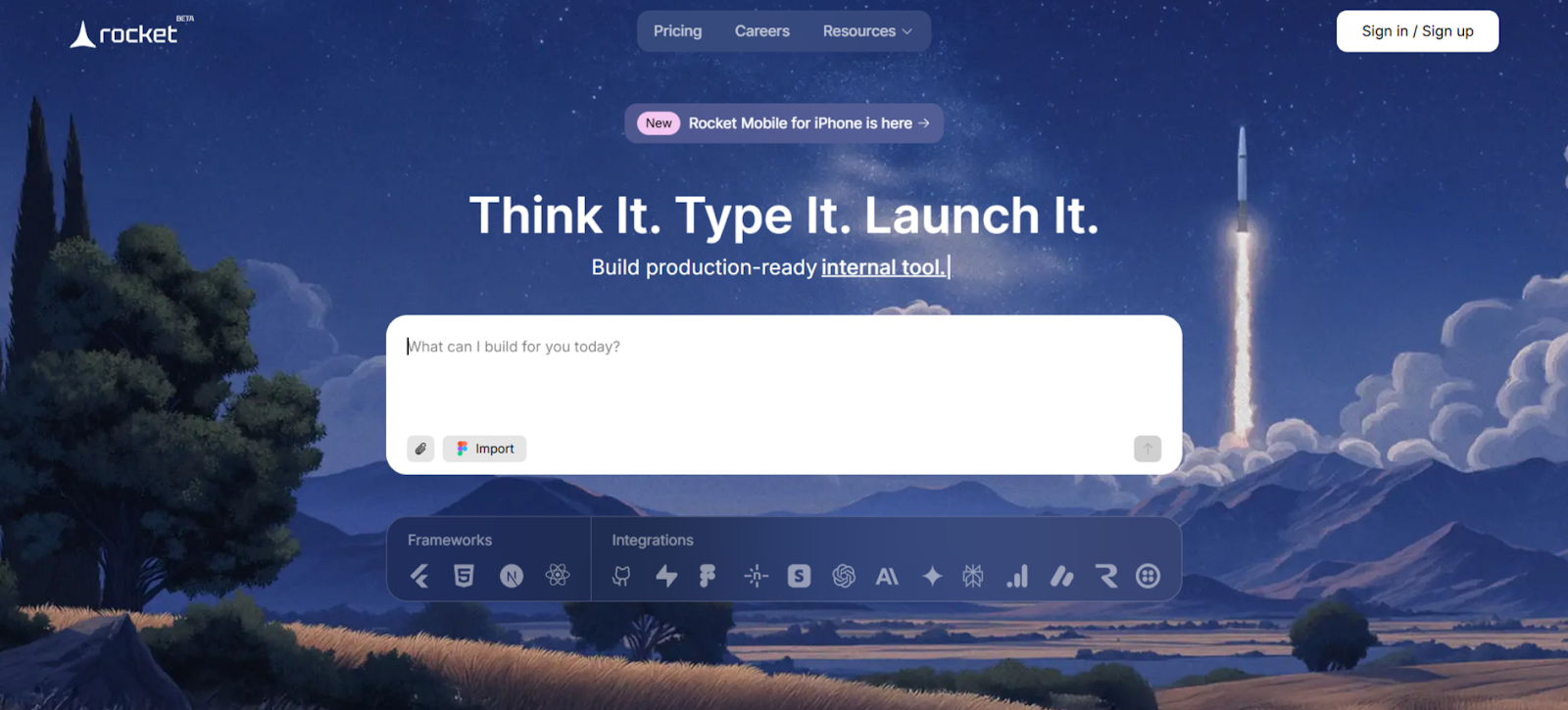
Rocket enables teams to build an entire application from a single prompt, accelerating development from idea to working product.

Rocket helps you build web apps quickly with minimal coding. It automates repetitive tasks and reduces manual work. It supports fast deployment without lowering quality.

Key Features:

  • Rapid Deployment: Lets you launch web apps with minimal setup.
  • Design-to-Code Integration: Converts designs into code automatically.
  • User-Friendly Interface: Makes app development easier for developers.

Who is it for

Developers, startups, and small businesses that want quick app creation.
5. Locofy

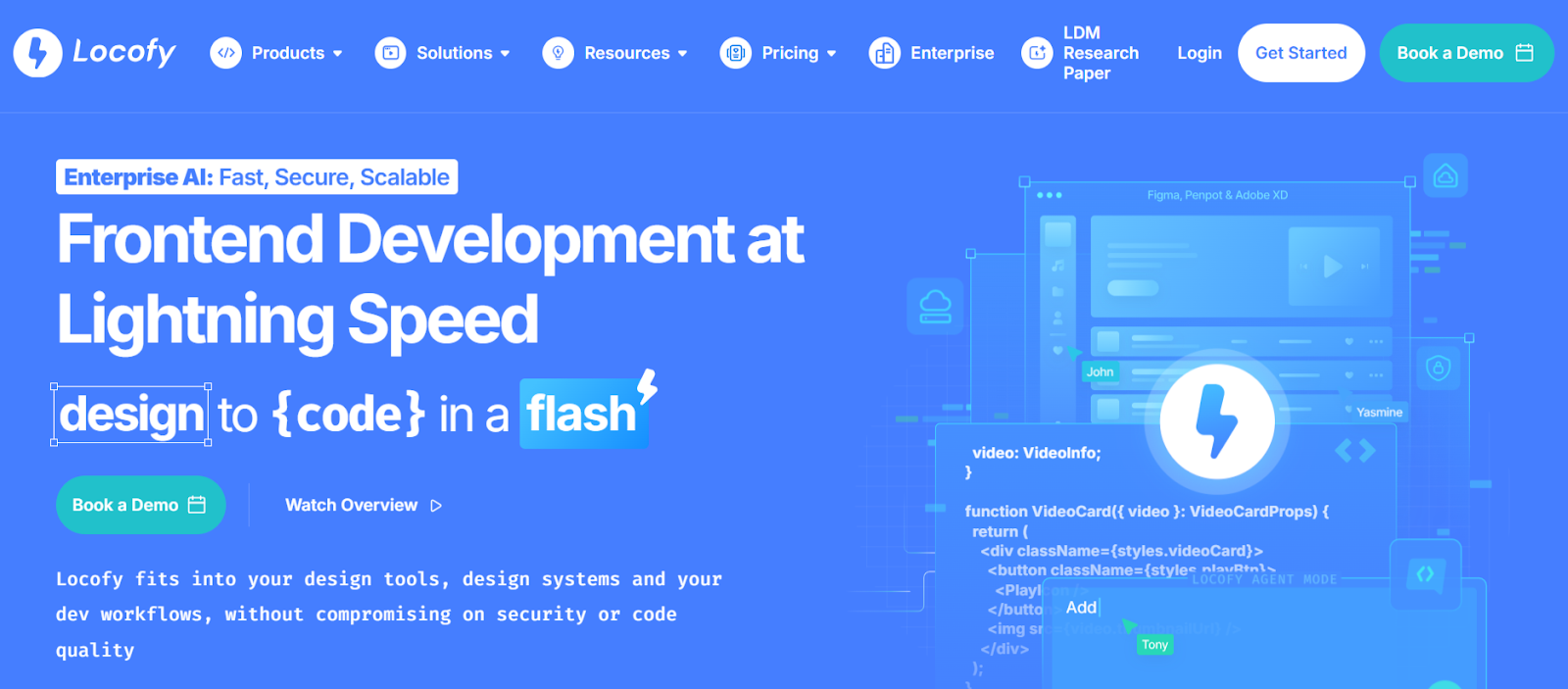
Locofy is recognized by industry experts and trusted by developers for transforming designs into production-ready code

Locofy converts design files into code automatically. It focuses on speed and efficiency. It helps you shorten development cycles and improve productivity.

Key Features:

  • Automatic Code Generation: Turns design elements into code instantly.
  • Code Export Features: Let you export code easily for deployment.
  • Platform Compatibility: Works with React and Next.js.

Who is it for

Designers, developers, and product teams that need efficient design to code solutions.
6. Lovable

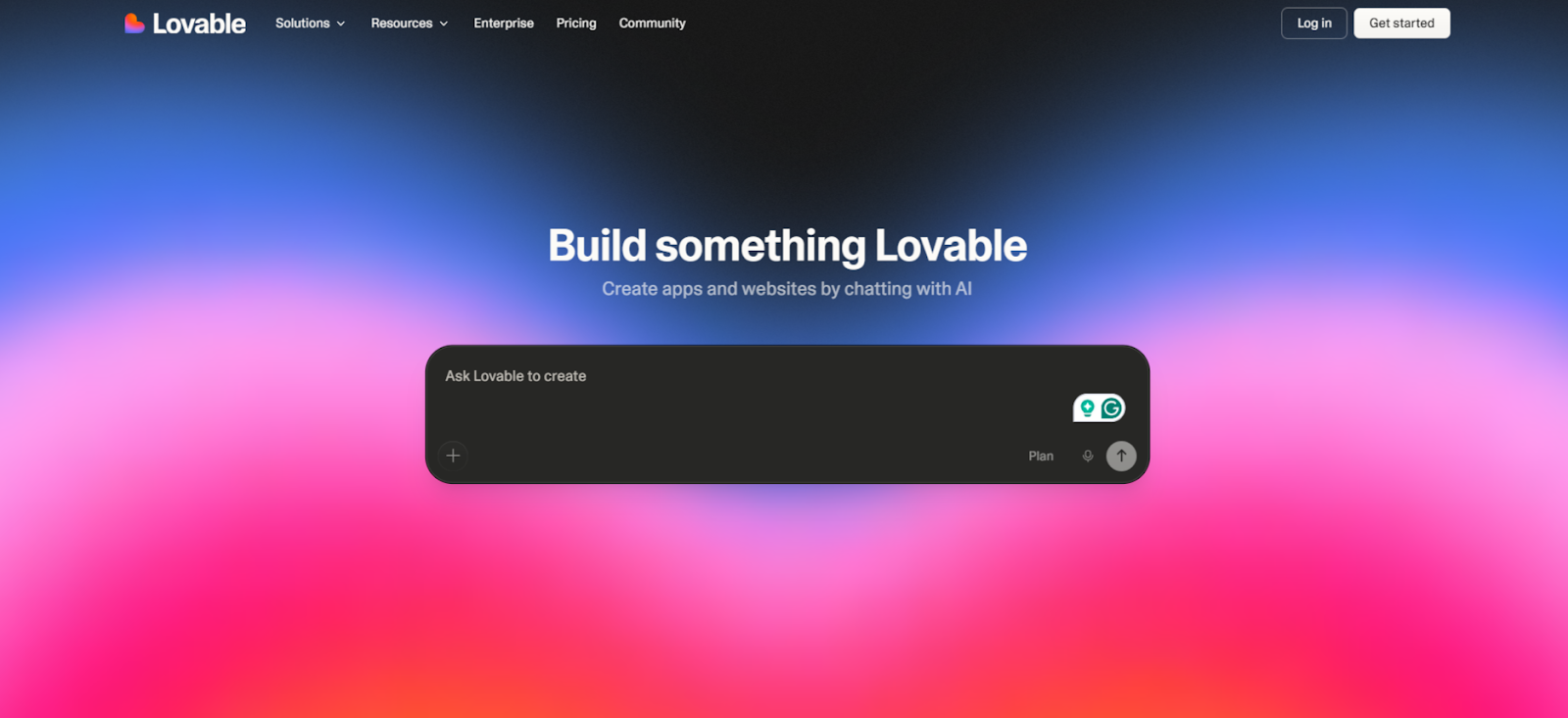
Lovable, empowering millions of builders to turn ideas into real products, with over 36 million projects created on the platform.

Lovable helps you turn designs into functional code quickly with very little effort. It simplifies the design-to-code process and reduces manual coding. It focuses on fast and accessible solutions for designers. You want to save time and move faster, right?

Key Features:

  • Real-Time Live Previews: You can see live previews of your design while you work.
  • Responsive Design: It adjusts your design to fit different screen sizes automatically.
  • Easy Code Export: It lets you export code easily for smooth deployment.

Who is it for

Small teams, designers, and startups who want a fast and simple design to code tool, like a software development copilot.
7. Anima

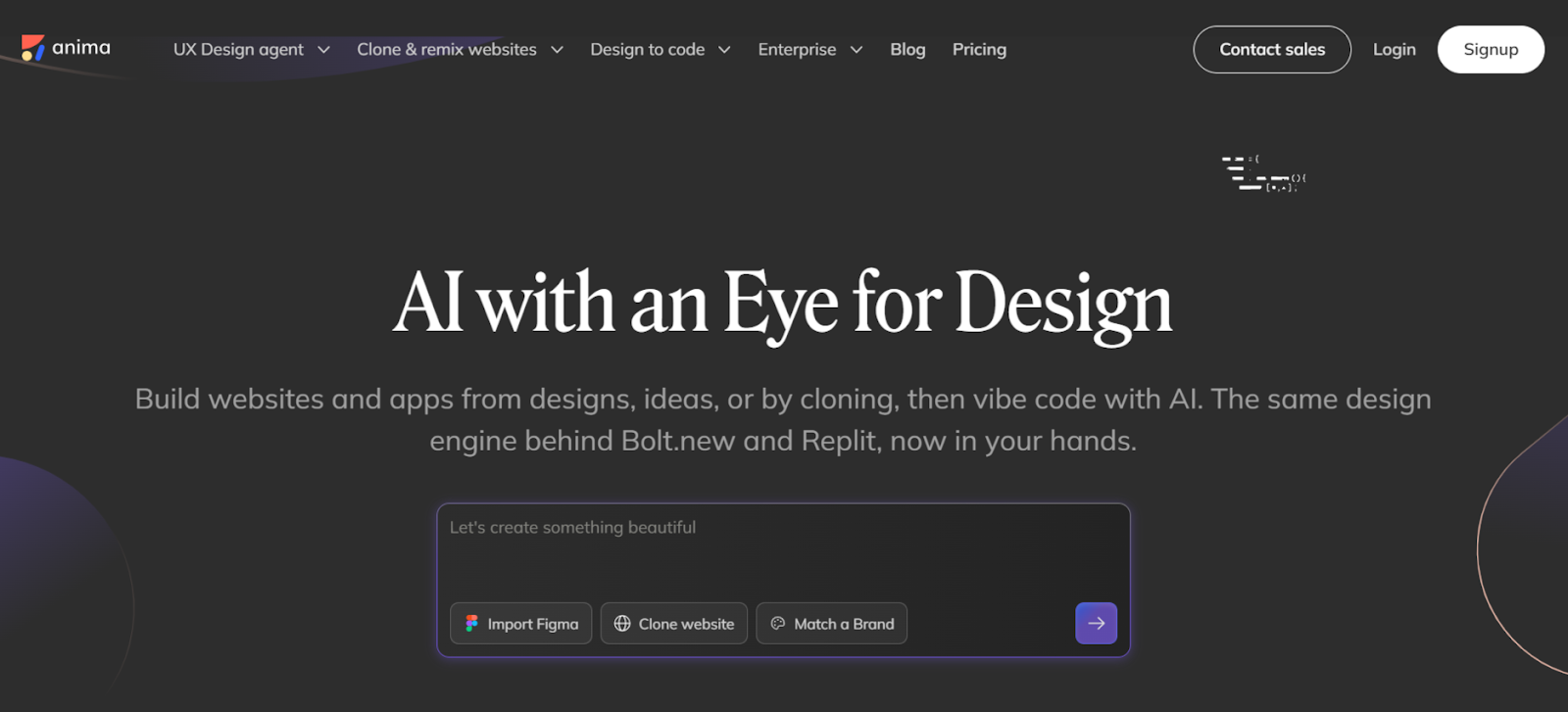
Anima enables teams to build websites and apps from designs, ideas, or cloned pages

Anima helps you convert detailed prototypes into responsive code. It connects smoothly with tools like Figma and Sketch. It improves collaboration between design and development teams. Do you want a smoother handoff from design to code?

Key Features:

  • Real Time Collaboration: Supports teamwork with real-time features.
  • Interactive Design: Creates interactive prototypes ready for code conversion.
  • Seamless Integration: Works well with Figma and Sketch.

Who is it for

UX UI designers and product teams that want to turn designs into production-ready code.
8. Uizard

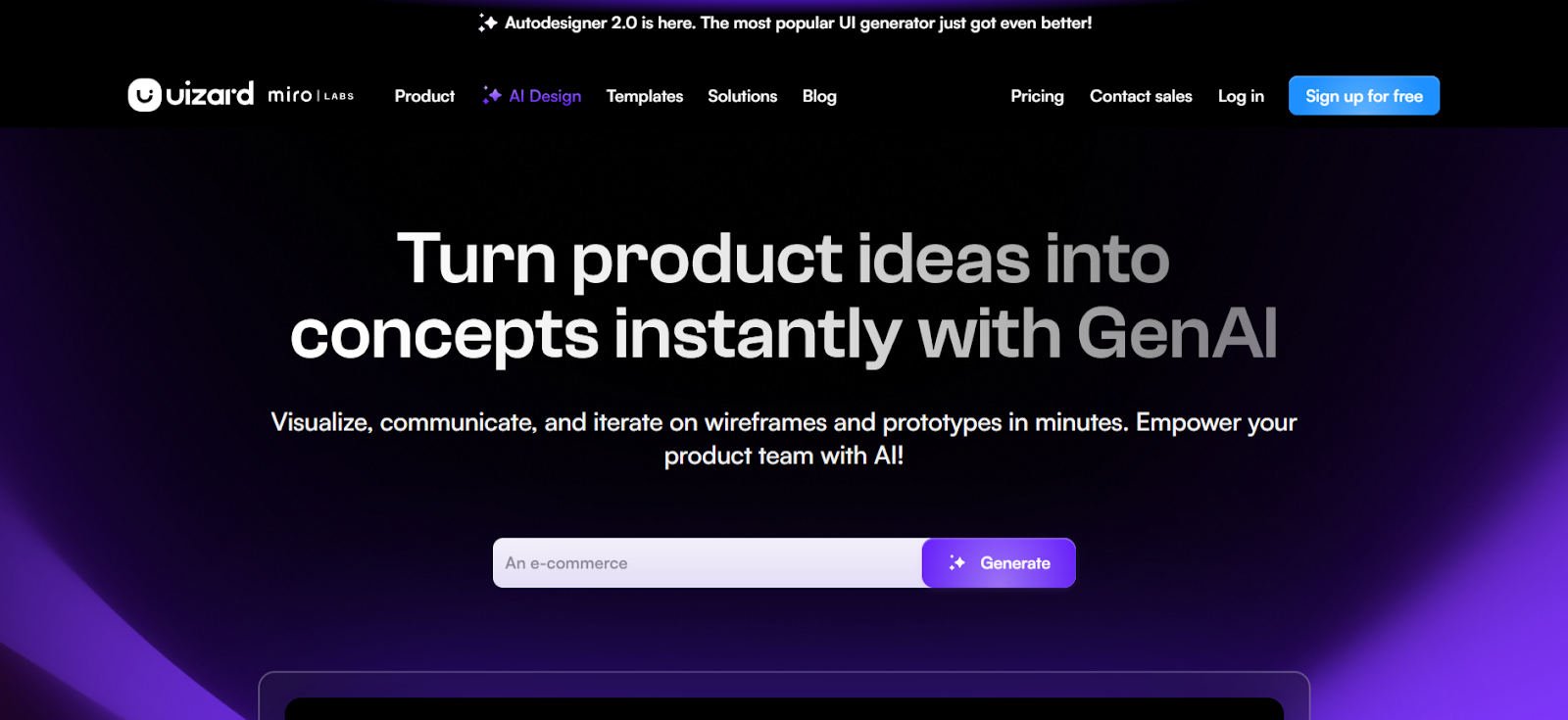
Uizard helping teams visualize ideas, communicate concepts, and iterate on wireframes and prototypes in minutes

Uizard is a no-code platform that turns sketches and wireframes into usable web code. Its simple interface helps designers without coding experience build functional prototypes quickly. It removes technical barriers and keeps the process smooth.

Key Features:

  • Quick Mock Up Generation: Converts sketches and wireframes into working prototypes in minutes.
  • Design to Code Functionality: Changes designs into code with minimal input.
  • AI-Powered Assistance: Offers smart suggestions to improve design quality.

Who is it for

Designers, entrepreneurs, and teams who want a fast no code way to build apps.
9. Zeplin

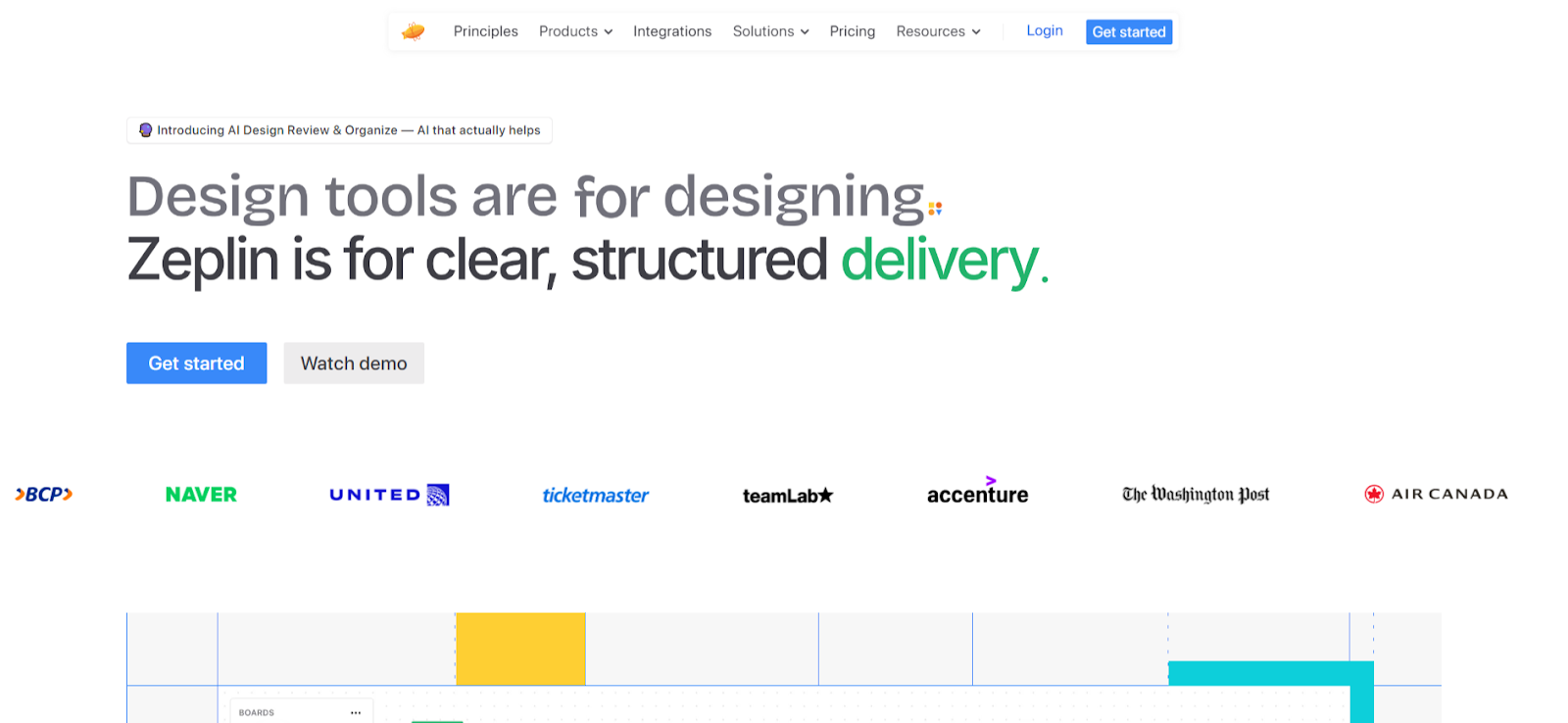
Zeplin helps designers and developers reclaim 25 percent of their weekly time, saving up to 10 hours per week

Zeplin is a collaboration tool that connects design and development teams. It helps you export designs from tools like Sketch and Figma into formats developers can use. It makes project handoffs clear and organized.

Key Features:

  • Easy Export from Design Tools: Exports designs into ready-to-use formats.
  • Automated Style Guides: Creates style guides for consistent design.
  • Handoff Features: Supports smooth transitions from designers to developers.

Who is it for

Design teams, front-end developers, and product managers who need strong collaboration.
10. CodeParrot
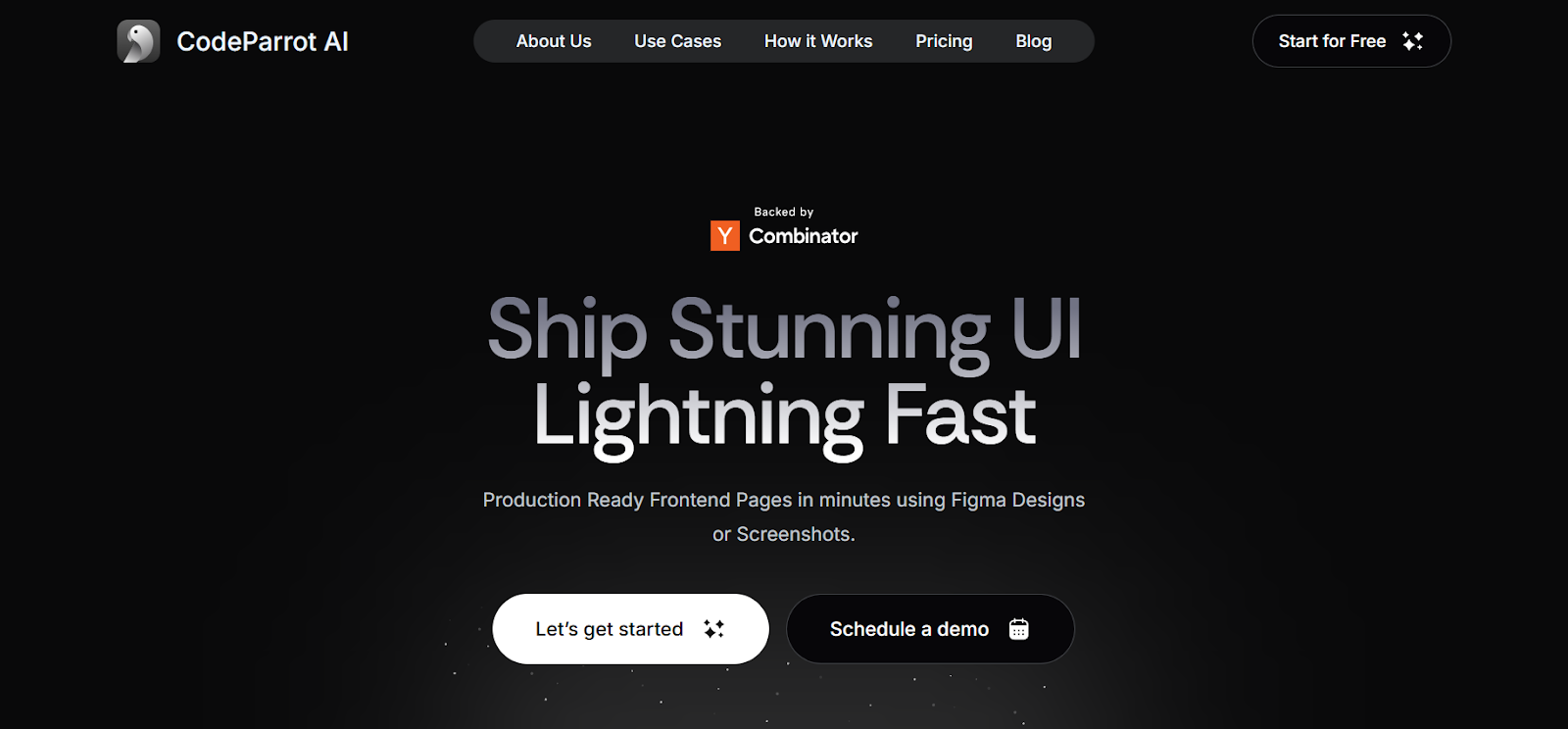
CodeParrot AI generating production ready frontend pages in minutes from Figma designs or screenshots

CodeParrot is an AI-powered tool that creates clean and organized code from design assets. It uses machine learning to improve the design-to-code process. It increases efficiency and supports modern workflows. A software development copilot like this can simplify your build process.

Key Features:

  • AI-Assisted Design to Code Automation: Generates clean code from design elements.
  • Code Quality Checks: Reviews code to meet quality standards.
  • Platform Support: Works across multiple platforms.

Who is it for

Developers and design teams who want AI-powered design to code automation.

Conclusion

Ever wondered how the right design to code tool can improve your development process?

In this blog, you explored 10 powerful tools that automate and simplify the design-to-code workflow. These tools help you build web apps faster and work more efficiently. You need the right tool to speed up development and support smooth collaboration. 

Among them, SoftSpell stands out with its AI-powered features and smooth integration. It helps you manage your SDLC with ease. 

Ready to take the next step and improve your workflow? Experience SoftSpell now and transform your SDLC.

Table of Contents

    FAQ's

    1. What is a design-to-code tool?
    A design-to-code tool converts design files into clean and functional code automatically. It simplifies your development workflow and saves time. It also reduces manual coding work.
    2. How do design-to-code tools improve development speed?
    These tools convert design assets into code for you. This removes the need to write everything from scratch. As a result, you complete projects faster.
    3. Can non-technical users use design to code tools?
    Yes, many tools offer simple interfaces. Designers and other non-technical users can create code without advanced programming skills.
    4. What types of projects benefit from design-to-code tools?
    These tools support web development projects. They work well for tight deadlines or large design files that need quick conversion into functional code.
    5. Are design-to-code tools compatible with all design software?
    Most tools connect with popular platforms like Figma, Sketch, and Adobe XD. Still, you should check compatibility before you choose a tool for your project.
    Blog Author Image

    Market researcher at Codespell, uncovering insights at the intersection of product, users, and market trends. Sharing perspectives on research-driven strategy, SaaS growth, and what’s shaping the future of tech.

    Don’t Miss Out
    We share cool stuff about coding, AI, and making dev life easier.
    Hop on the list - we’ll keep it chill.
