


Changelog
July 1, 2026
.svg)
.jpg)
The Figma file is flawless, stakeholders are happy, and developers have what they need. Still, between design approval and production, things unravel quietly, expensively, and almost every sprint.
Misaligned components, broken responsiveness, hover states that were never specified, edge cases nobody planned for.
Sound familiar? It should.
For most engineering teams, this isn't a one-off; it's the default experience of converting Figma designs to code at production scale.
Figma is undeniably the industry standard for UI/UX design. But being great at design doesn't make the code handoff work. The gap between what designers build in Figma and what actually ships is one of the most persistent, costly, and under-addressed problems in modern product development.
This blog breaks down exactly why that gap keeps happening and what CTOs, engineering leads, and product teams can do to close it for good.
The core challenges of converting Figma designs to production-ready code are:
Converting Figma designs to production-ready code is more complex than it may seem. While Figma offers a great visual representation, translating those designs into functional code can be challenging.
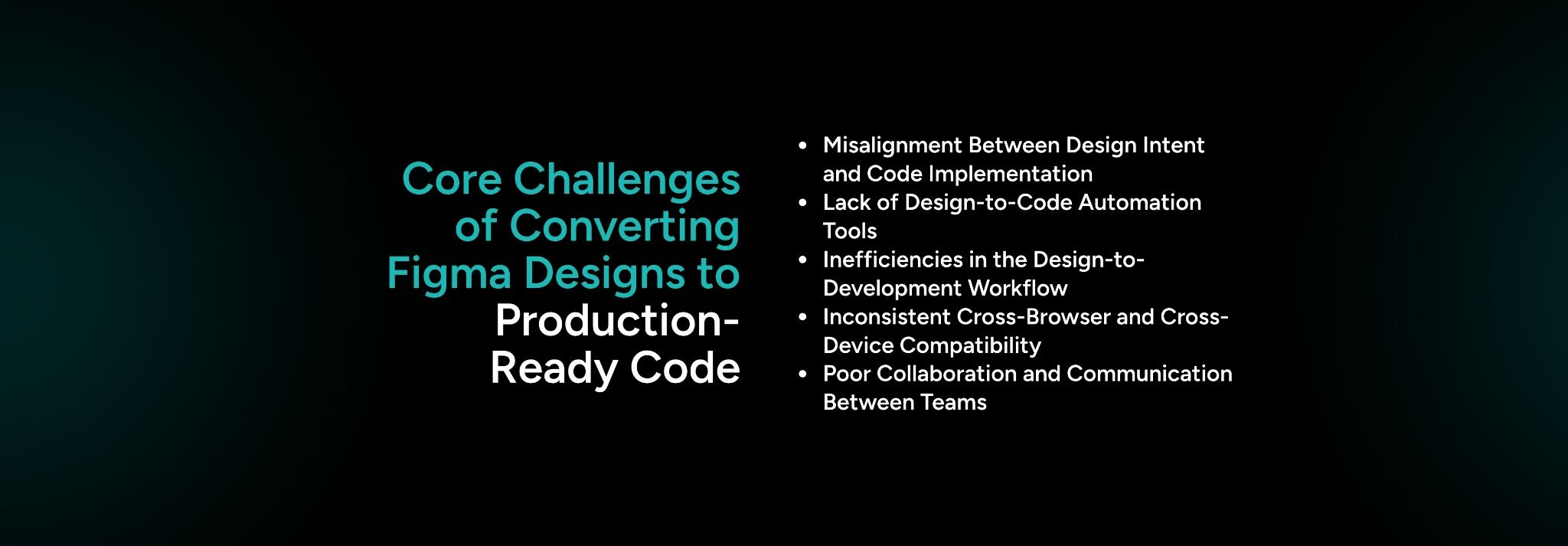
1. Misalignment Between Design Intent and Code Implementation
A major issue is the misalignment between the design intent and its implementation in code. Designers aim for pixel-perfect accuracy, but in real-world applications, achieving this is often impractical due to varying screen sizes, browser behaviors, and interactive elements. As a result:
2. Lack of Design-to-Code Automation Tools
Most existing design-to-code tools are limited in their ability to handle complex design systems, thereby impeding translation. For instance, these tools often fail to handle interactive elements or dynamic data effectively. This leads to:
3. Inefficiencies in the Design-to-Development Workflow
The handoff process between designers and developers is often slow and riddled with inefficiencies. This creates delays and increases the likelihood of mistakes. Common challenges include:
4. Inconsistent Cross-Browser and Cross-Device Compatibility
Figma designs that appear flawless on the designer’s screen often run into compatibility issues when translated into production code, especially across different browsers and devices. Challenges include:
5. Poor Collaboration and Communication Between Design and Development Teams
A lack of clear communication between the design and development teams often results in the design's original intent being lost in translation. This poor collaboration leads to issues such as:
Design-to-code failures occur more often in production than in the design phase because of the following:
While Figma designs may look flawless during the design phase, translating them into functional, production-ready code often presents significant challenges in the real world. The gap between design mockups and actual development often leads to discrepancies that delay projects and result in failed implementations.
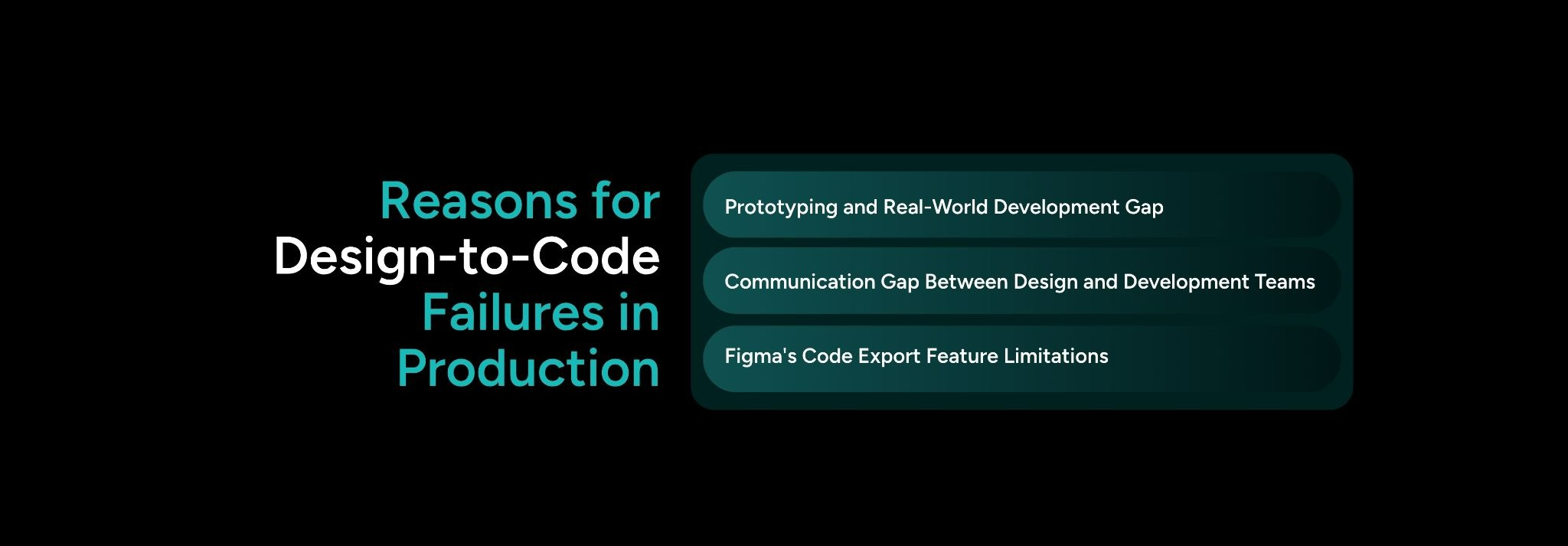
1. Prototyping and Real-World Development Gap
Figma designs are static, while real-world development requires backend services, APIs, and live data integration, which introduces complexities like:
2. Poor Communication Between Design and Development Teams
Miscommunication can lead to design-to-code failures through:
3. Technical Limitations of Figma's Code Export Feature
Figma’s built-in export feature has limitations, such as:

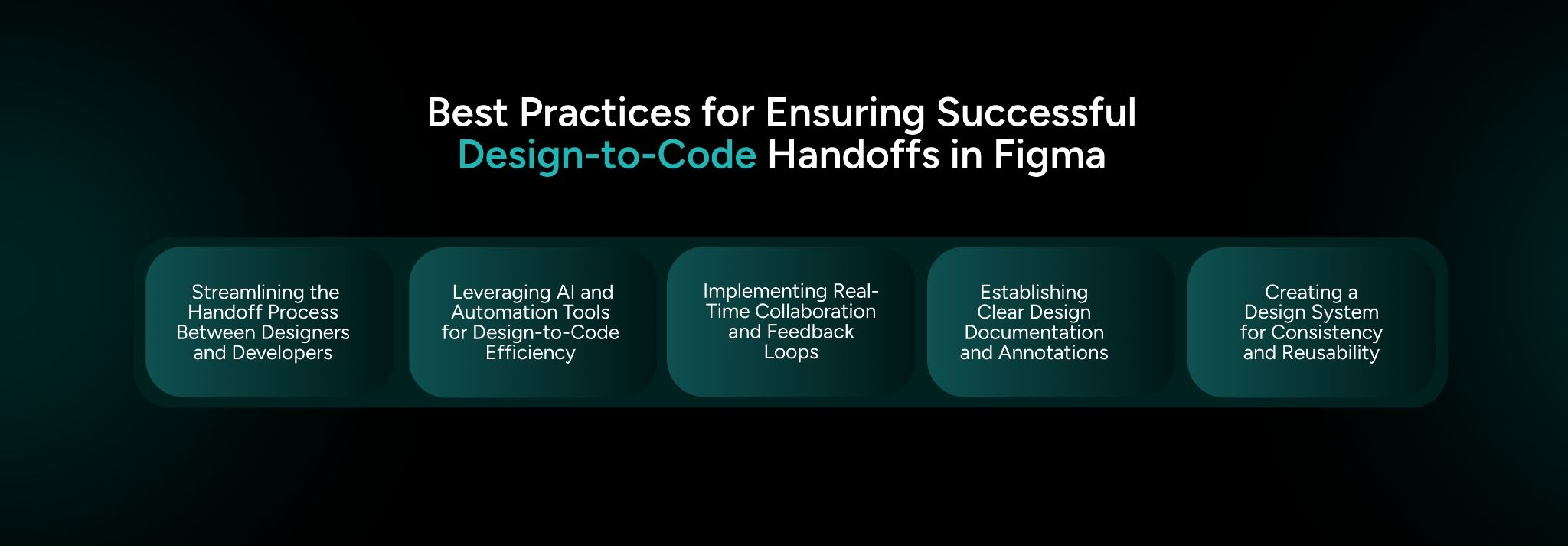
The best practices for ensuring a successful design-to-code Figma handoff are the following:
1. Streamlining the Handoff Process Between Designers and Developers
2. Leveraging AI and Automation Tools for Design-to-Code Efficiency
3. Implementing Real-Time Collaboration and Feedback Loops
4. Establishing Clear Design Documentation and Annotations
5. Creating a Design System for Consistency and Reusability
1. Streamlining the Handoff Process Between Designers and Developers
Improving collaboration between design and development teams is essential to reducing friction and improving handoffs.
Key practices include:
2. Leveraging AI and Automation Tools for Design-to-Code Efficiency
AI-powered tools, such as SoftSpell’s CodeSpell, can automate the design-to-code process, ensuring faster, more accurate translations. Key benefits include:
3. Implementing Real-Time Collaboration and Feedback Loops
Real-time collaboration features in Figma, such as live commenting and simultaneous editing, ensure constant feedback between designers and developers. This practice leads to:
4. Establishing Clear Design Documentation and Annotations
Clear design documentation and annotations within Figma files help developers understand design choices and specifications, reducing misinterpretation. Key points include:
5. Creating a Design System for Consistency and Reusability
A robust design system ensures consistency and reduces ambiguity across designs. Best practices include:
CodeSpell: From Figma Layers to Production-Ready Code
CodeSpell bridges the gap between design and production by automating the process of translating Figma designs into clean, maintainable front-end code. Through a plugin that seamlessly connects with Figma, CodeSpell reads the design layers and generates production-ready code (React, HTML/CSS).
Key features of CodeSpell include:
With these powerful features, CodeSpell reduces design-to-code defects by 70%, enabling faster, more accurate transitions from design to production.
Without CodeSpell
Developer recreates Figma manually → inconsistent output → rounds of revision → delayed launch.
With CodeSpell
Figma plugin exports → CodeSpell generates scaffolded, standards-compliant code → developer reviews and ships.

Despite the advancements in design tools like Figma, design-to-code failures remain a common issue in production. The challenges stem from misalignments between design intent and actual implementation, poor communication between design and development teams, technical limitations in design-to-code automation, and inconsistencies across devices and browsers.
Choosing the right tools and strategies can make all the difference in ensuring a seamless transition from Figma design to production-ready code. Leveraging tools like the CodeSpell suite can streamline the design-to-code process, improve collaboration, and reduce costly revisions.
CodeSpell enhances the design-to-development workflow by automating code generation and enabling real-time collaboration. These capabilities help teams produce higher-quality code, resolve issues quickly, and accelerate product launches.
Ready to revolutionize your design-to-development workflow? Take the next step now.
Discover how CodeSpell can help you launch high-quality, production-ready code faster. Contact us today to get started!




July 1, 2026
Don’t Miss Out
We share cool stuff about coding, AI, and making dev life easier.
Hop on the list - we’ll keep it chill.

© 2026, SoftSpell. All Rights Reserved


