


Changelog
July 1, 2026
.svg)
.jpg)
Are you using the full potential of AI tools for software development?
Only the right enterprise tools can shape your entire development process. When you choose the right solution, you speed up your work. You also improve code quality, reduce errors, and strengthen team collaboration.
Explore the top 10 enterprise AI tools for software development in 2026. You will see tools that automate coding tasks and improve workflows.
You will also learn why SoftSpell leads enterprise teams that want to boost their development process.
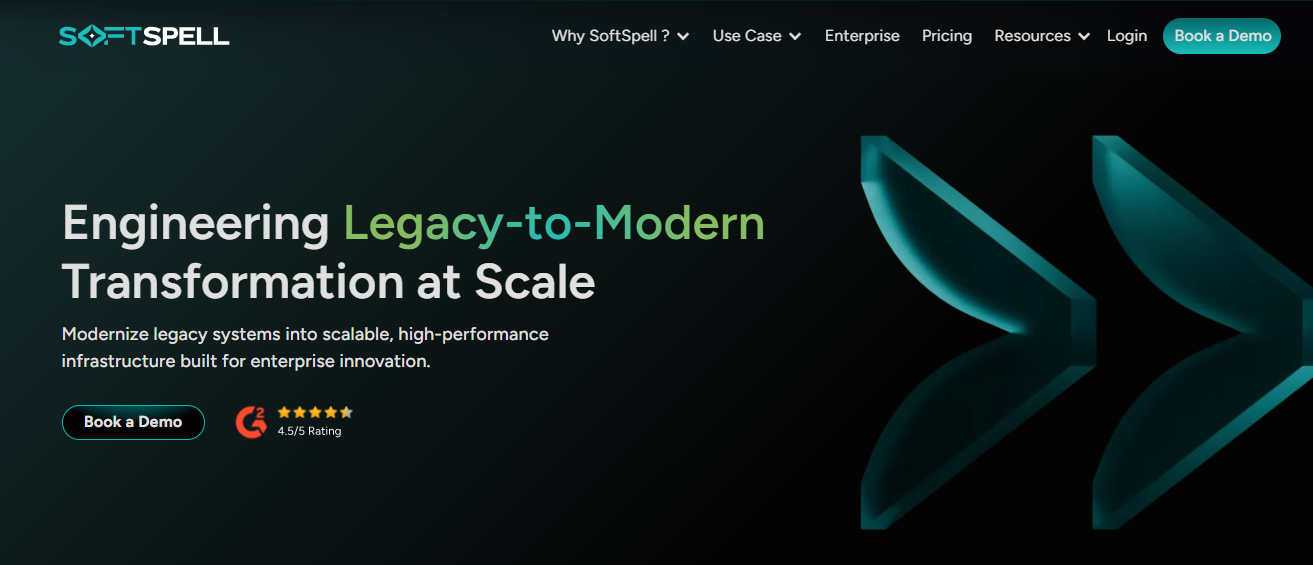
SoftSpell works as a powerful enterprise-grade AI tool for software development lifecycle management. It brings clear structure, better speed, and strong consistency to every stage of your development process. As a result, you gain better control over your workflows. You also move faster with a clear direction.
ReqSpell
ReqSpell improves the way you manage the journey from requirements to code. It removes manual work and reduces human errors. This saves you time and effort.
CodeSpell
CodeSpell works as a smart coding assistant. It turns your ideas into clear and structured designs. It generates APIs, microservices, and data models directly inside your IDE. Because of this, you move faster and write accurate code.
TestSpell
TestSpell helps your team speed up testing while maintaining quality. It automates test case creation, execution, and reporting. Because of this automation, you reduce manual effort and improve efficiency.
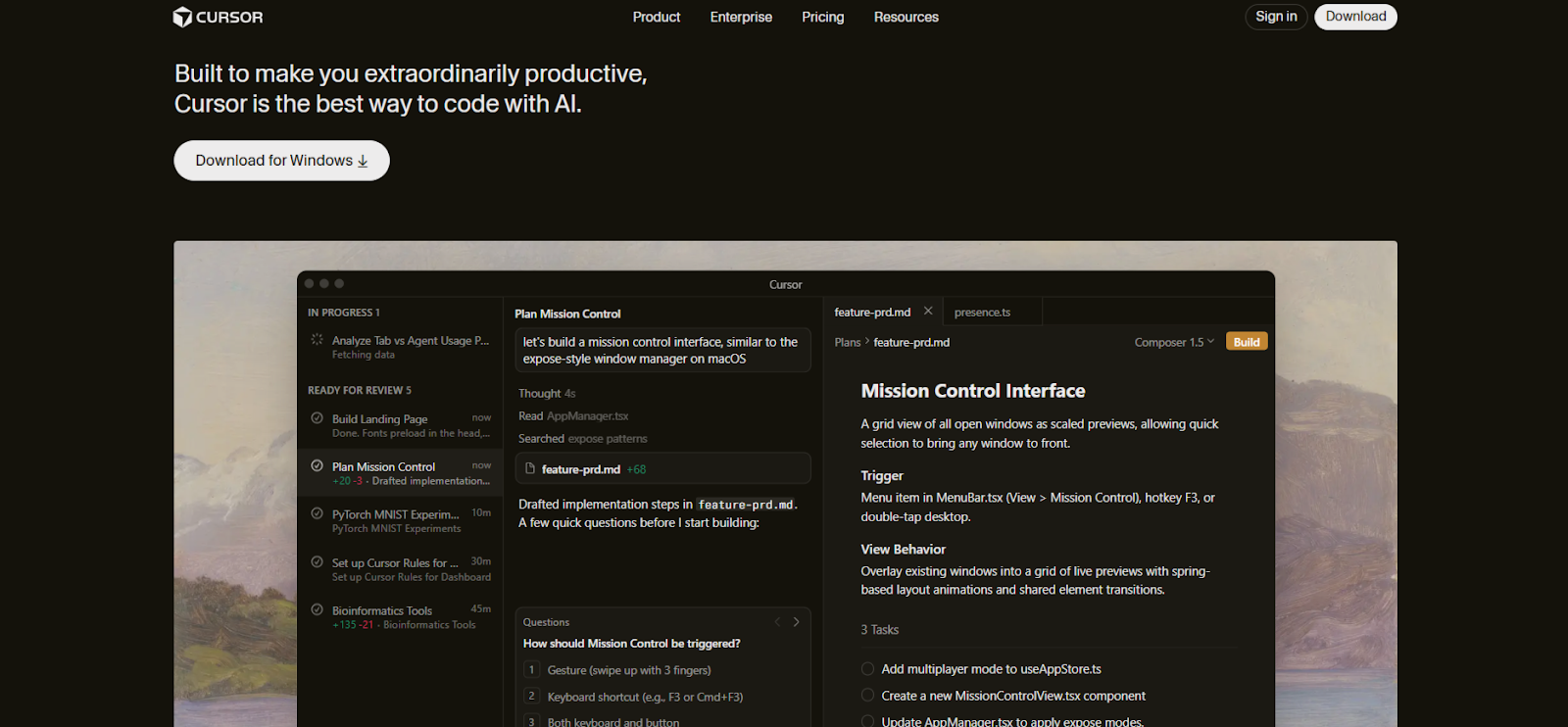
Cursor is a modern IDE that brings advanced AI into your development process. It works with popular IDEs and helps you build better code faster. It improves productivity, optimizes your code, and makes your workflow smoother.
Key Features:
Who is it for?
Developers who use VS Code, JetBrains, or other popular IDEs.

OpenAI Codex connects plain English with coding. You can write simple instructions, and Codex turns them into code. It is built on GPT-3 and creates high-quality code in many programming languages. It helps you turn complex ideas into real code and makes development easier and faster.
Key Features:
Who is it for?
Developers who want to turn natural language into code.
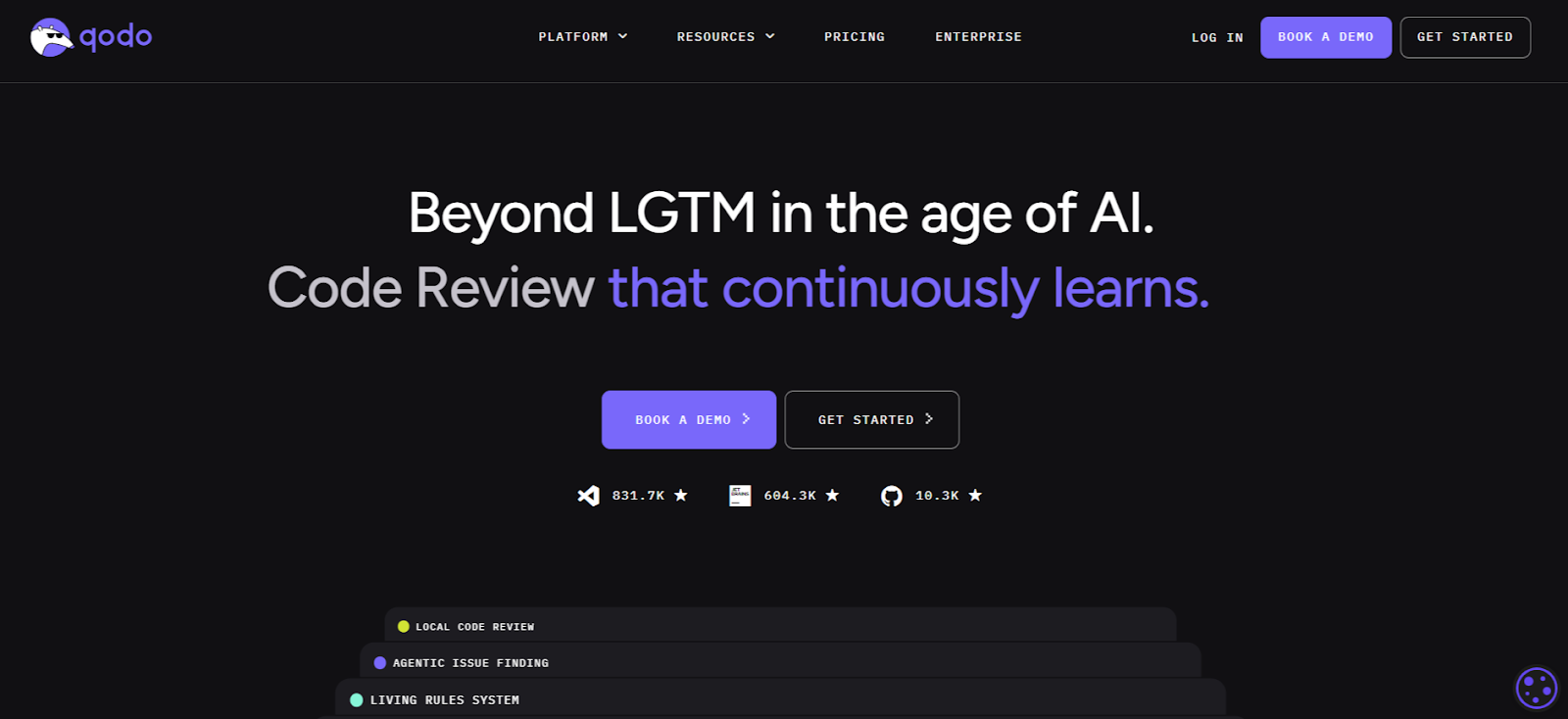
Qodo.ai, earlier known as Codium, helps you write tests using AI. It studies your code in real time and suggests useful test cases. This improves your testing speed and accuracy. It connects easily with IDEs like JetBrains and IntelliJ IDEA and fits into your workflow without friction.
Key Features:
Who is it for?
Development teams that want to automate testing.
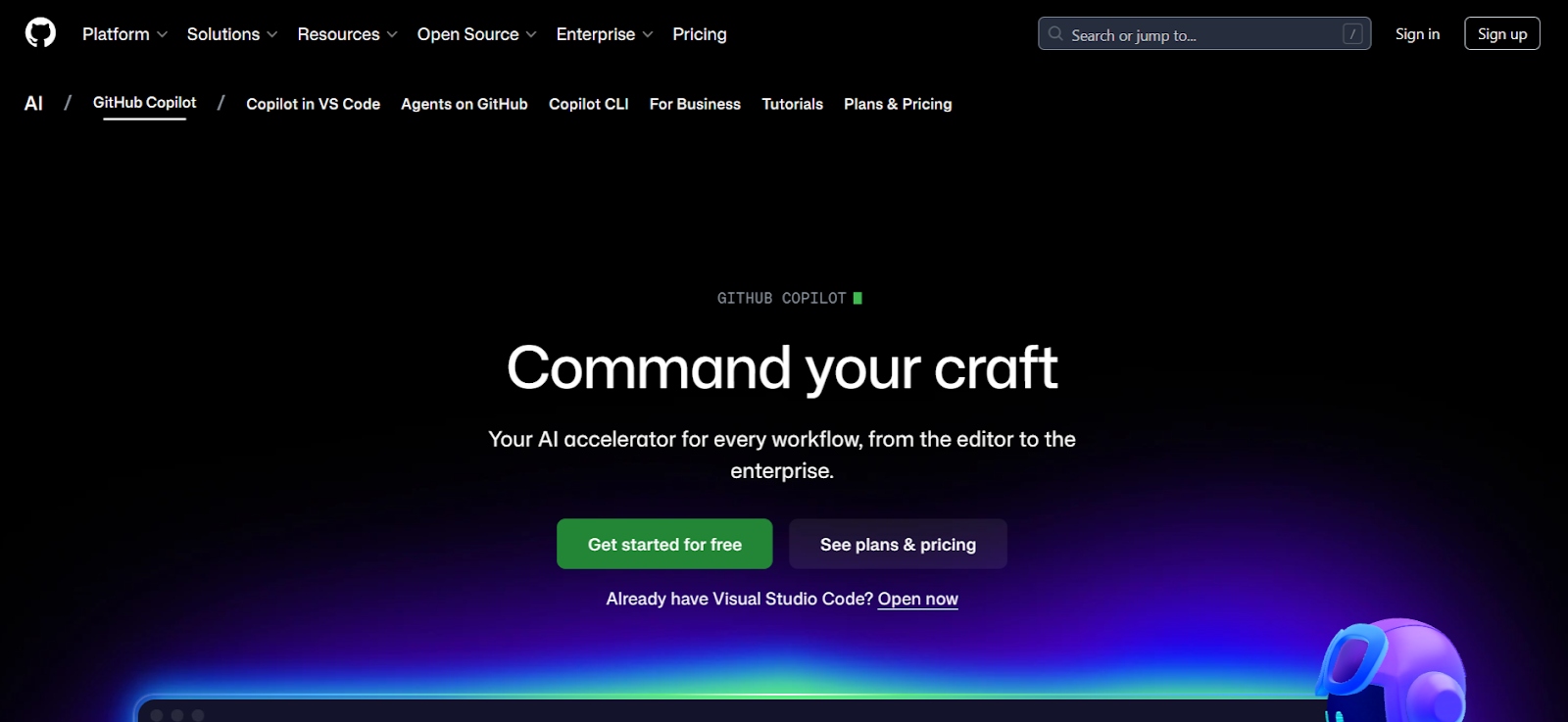
GitHub Copilot is an AI-powered code editor that helps you write code faster. It gives smart suggestions based on the context of your project. Copilot works deeply with IDEs like VS Code. You can focus on logic while it handles repetitive coding tasks. It also supports automated test generation and real-time code reviews.
Key Features:
Who is it for?
Developers using GitHub repositories and IDEs like VS Code.
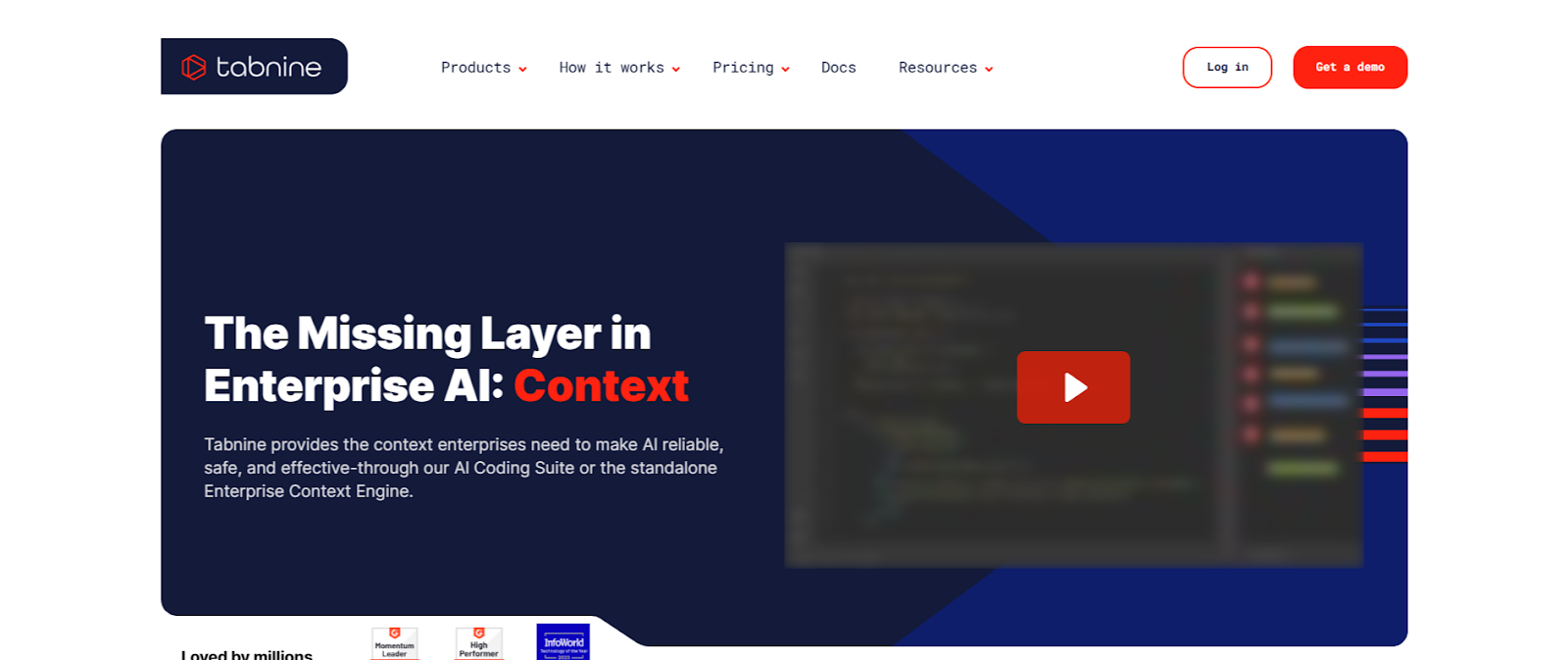
Tabnine uses AI and machine learning to predict your next lines of code. It studies your previous work and gives accurate suggestions based on your coding style. This helps you write efficient and accurate code. It supports more than 25 programming languages, so you can use it across many projects.
Key Features:
Who is it for?
Developers who want faster code completion and accurate predictions.
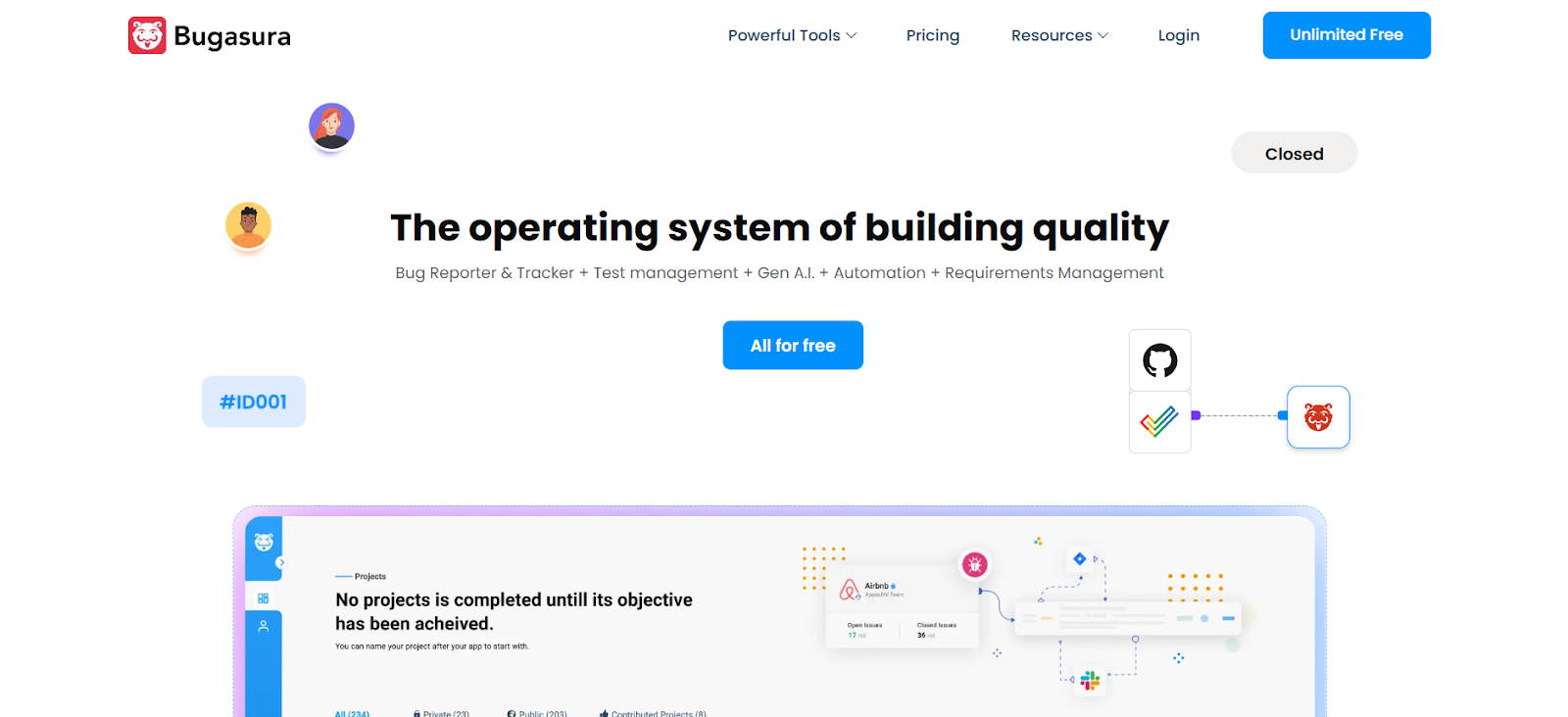
Bugasura helps you track and fix bugs faster using AI. It automates tasks like taking screenshots, capturing device and browser details, and detecting issues. Your team can work together in real time and resolve bugs efficiently. It keeps your bug tracking process organized and clear.
Key Features:
Who is it for?
Development teams that want efficient bug tracking and faster resolution.
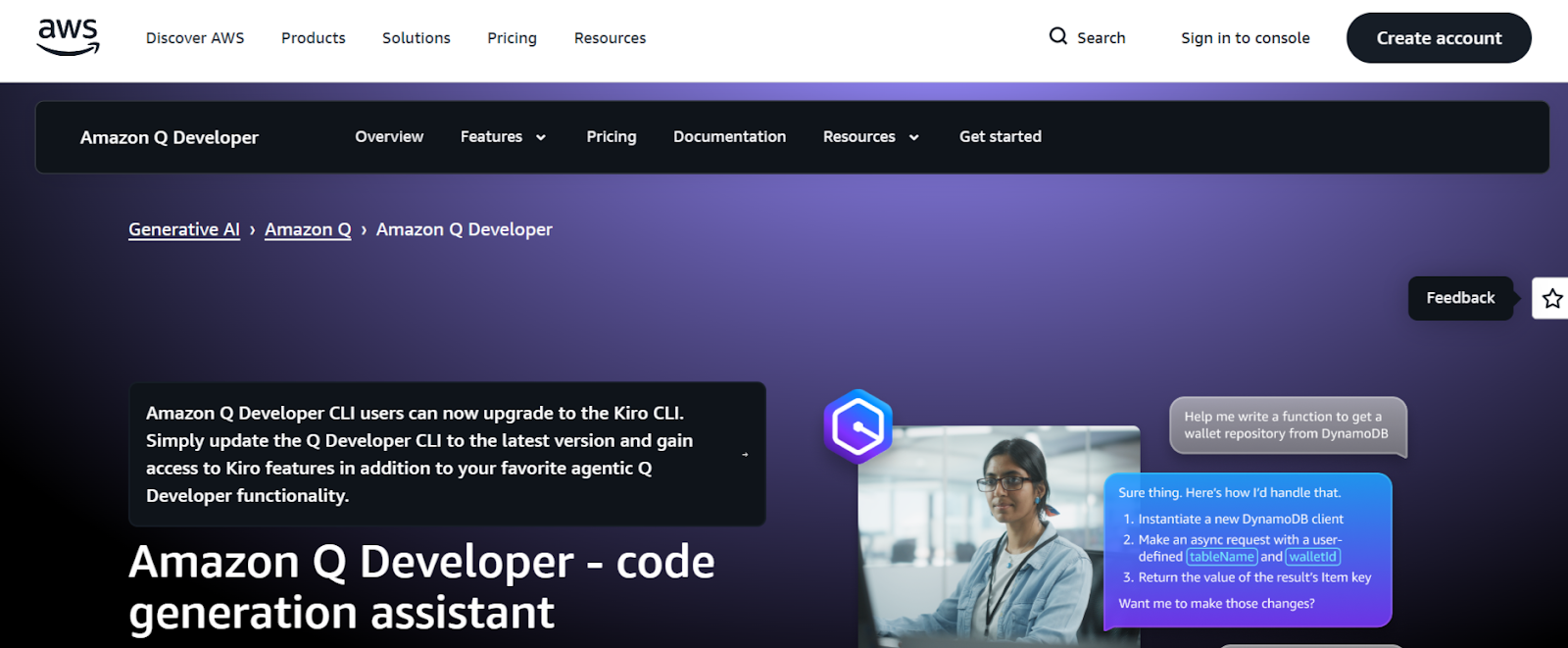
Amazon CodeWhisperer helps you improve your development process with AI support. It generates code in real time and scans your code for security risks as you work. It connects smoothly with your IDE, so you can write secure code faster. The tool suggests code completions automatically. It also helps you write tests and supports editing across multiple files.
Key Features:
Who is it for?
Developers who care about security and productivity while working in IDEs like VS Code, IntelliJ IDEA, and other popular platforms.
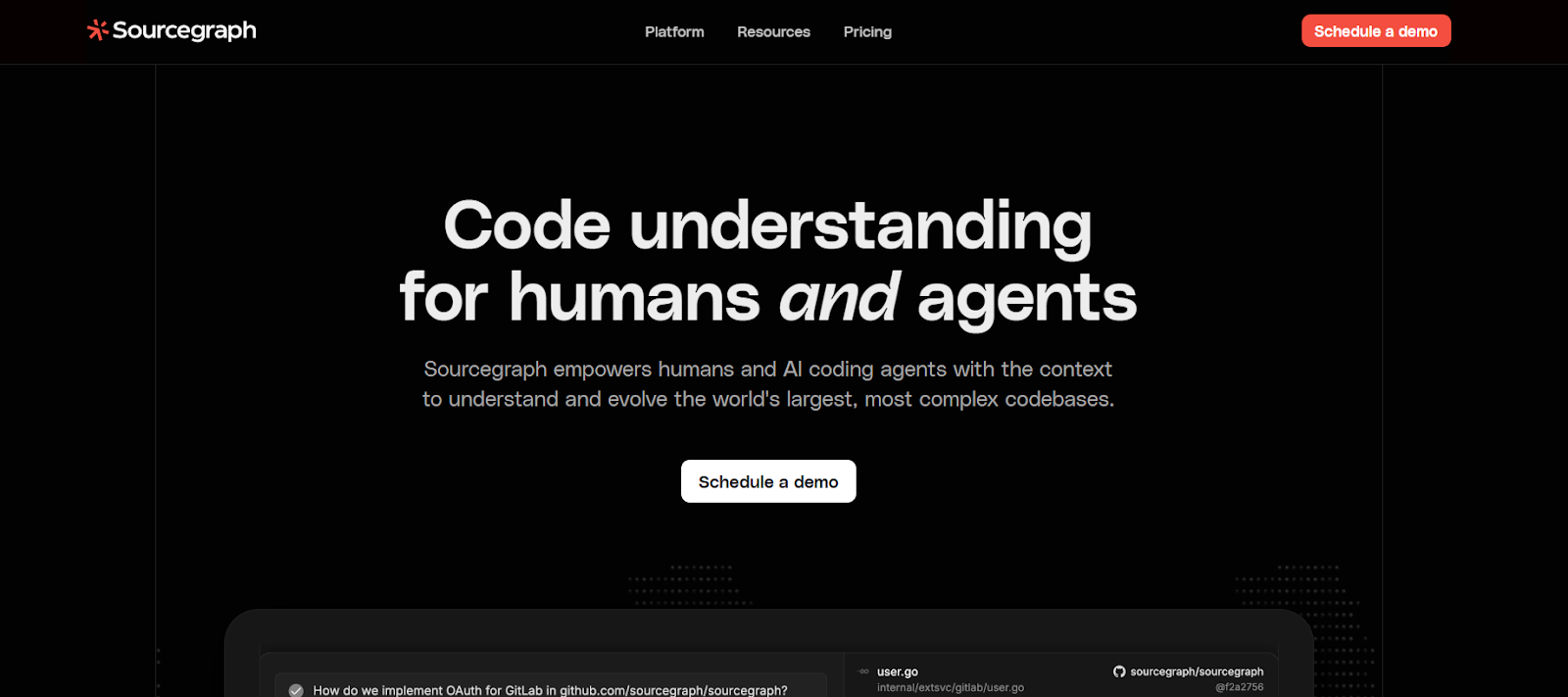
Sourcegraph is a code understanding platform. It helps you and AI agents search, understand, and manage changes across complex codebases.
It gives your team better control over fast-changing code. As a result, you improve onboarding and make learning easier for new members. You also build stronger collaboration across your team.
Key Features:
Who is it for?
Developers, security teams, and engineering managers.
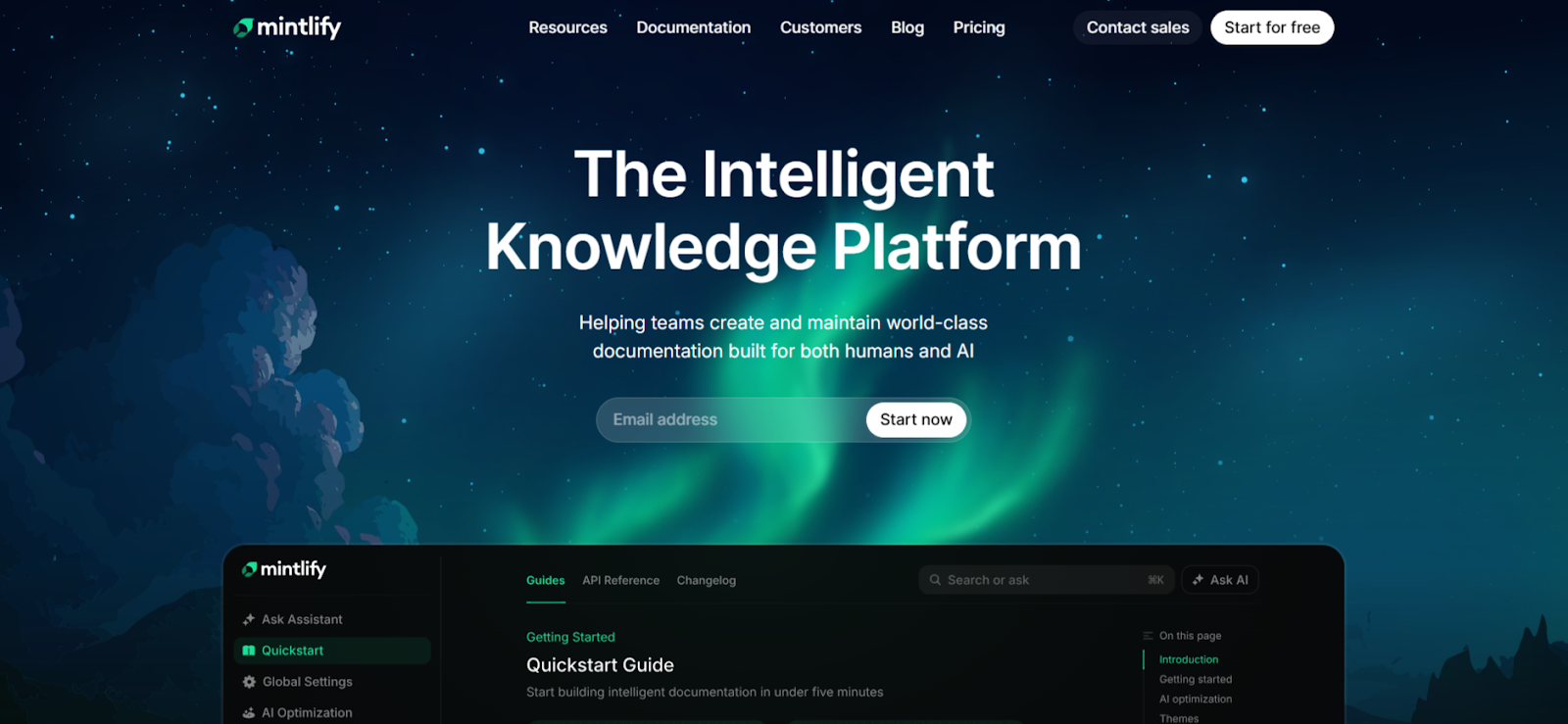
Mintlify automatically creates clear documentation from your code. It helps you maintain and share documentation easily. This makes onboarding new developers smoother and keeps your documents up to date. Mintlify connects with different IDEs and fits into your current workflow.
Key Features:
Who is it for?
Development teams that want simpler documentation management.
After you compare these best AI tools for software development, you need to choose the one that truly boosts your team’s productivity. The right choice can shape how smoothly your project runs.
You should understand the strengths and limits of each tool before you decide. When you pick a tool that matches your needs, you improve your workflow. You also support secure and efficient development.
SoftSpell stands out as a strong choice for enterprises. It offers AI-powered solutions that improve every stage of the SDLC. It fits easily into your workflow and increases speed and consistency.
If you want faster and smoother development, try SoftSpell and see the difference yourself.



July 1, 2026
Don’t Miss Out
We share cool stuff about coding, AI, and making dev life easier.
Hop on the list - we’ll keep it chill.

© 2026, SoftSpell. All Rights Reserved


