Step 1
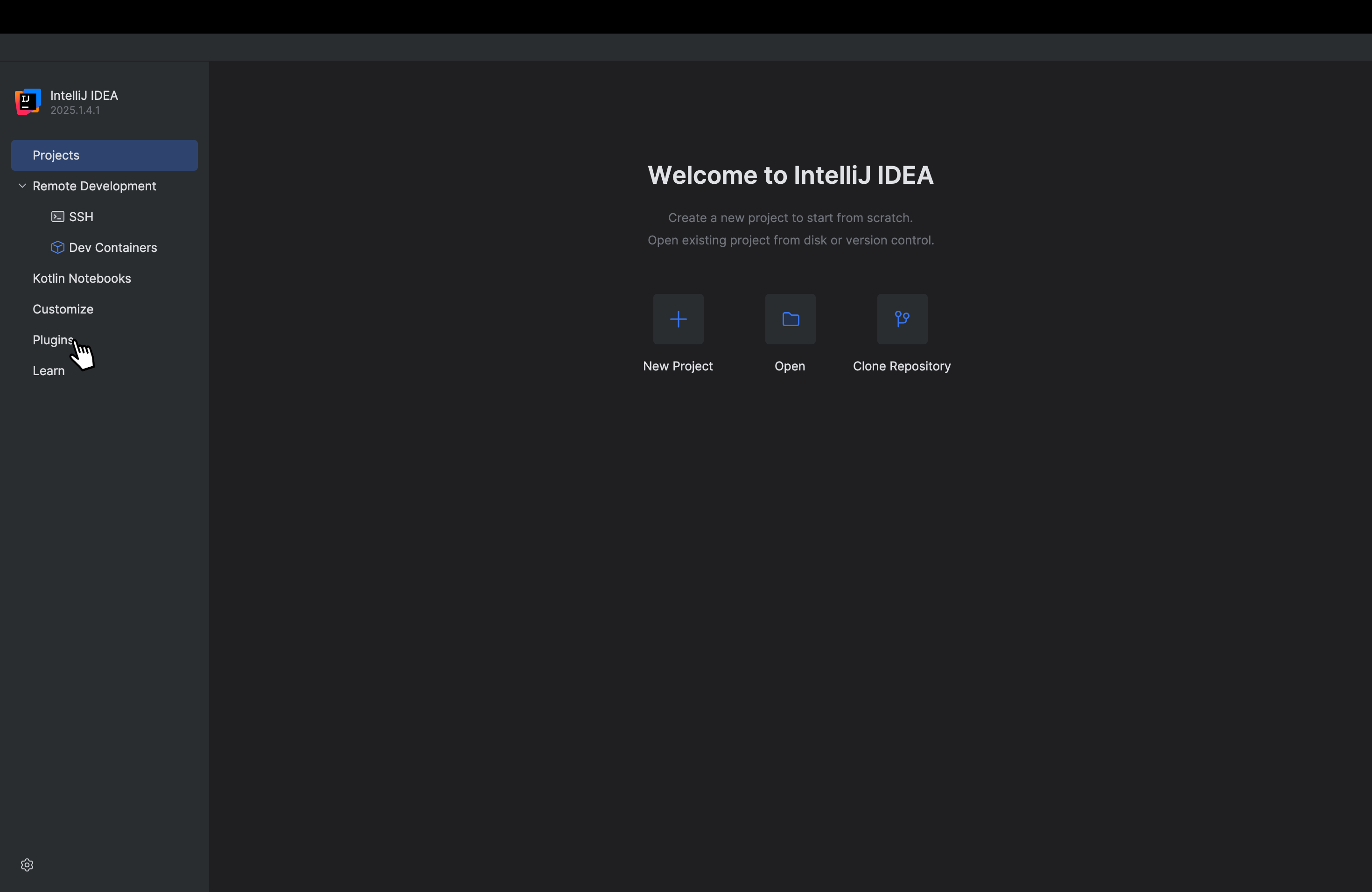
Open the Plugins window
Go to File > Settings (or Preferences on macOS), then select Plugins from the left-hand menu.
Step 2
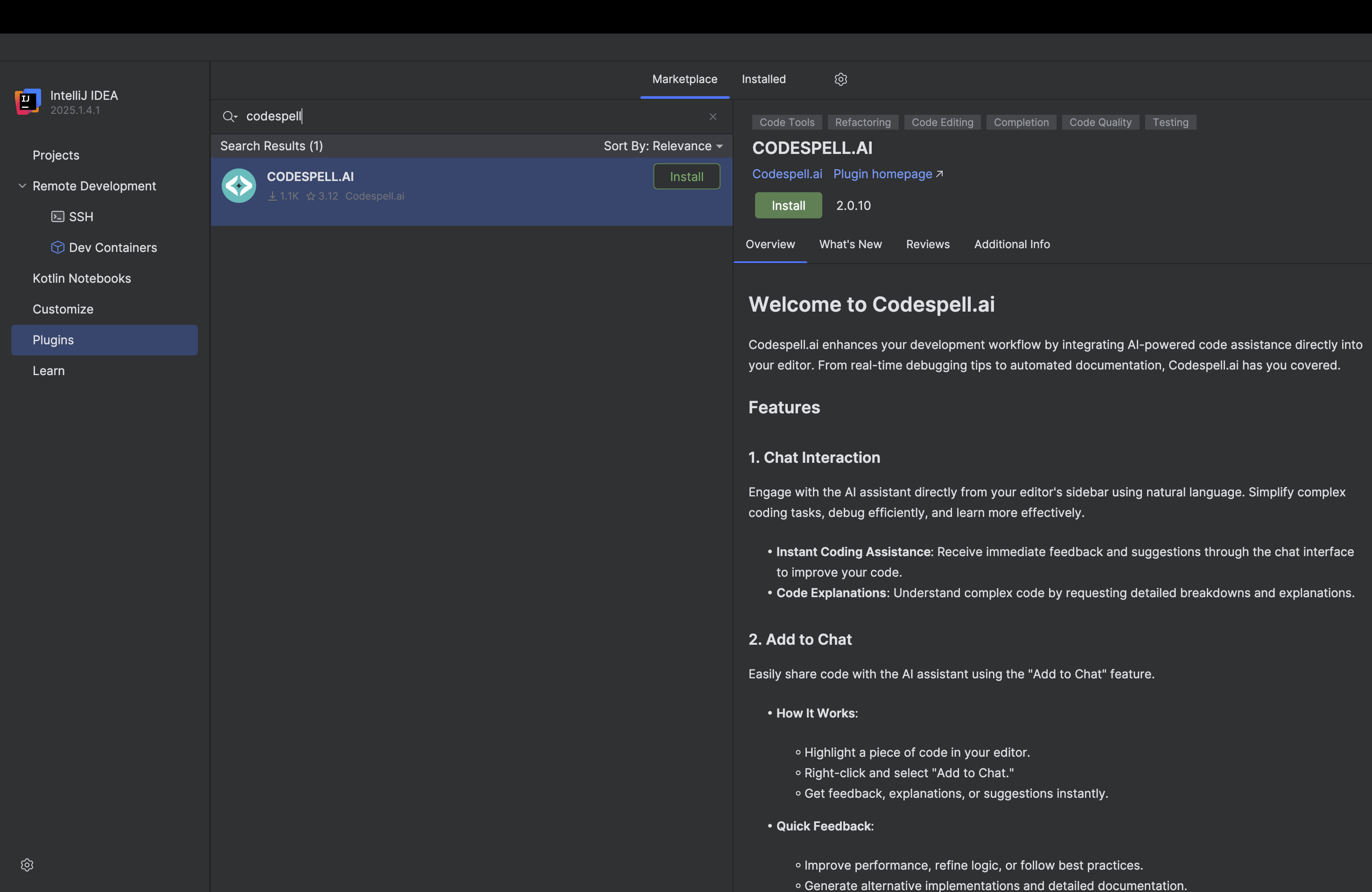
Search and install SoftSpell
Click the Marketplace tab and search for SoftSpell AI.
Locate the plugin published by SoftSpell.ai, click Install, and restart your IDE when prompted.
Step 3
Launch SoftSpell
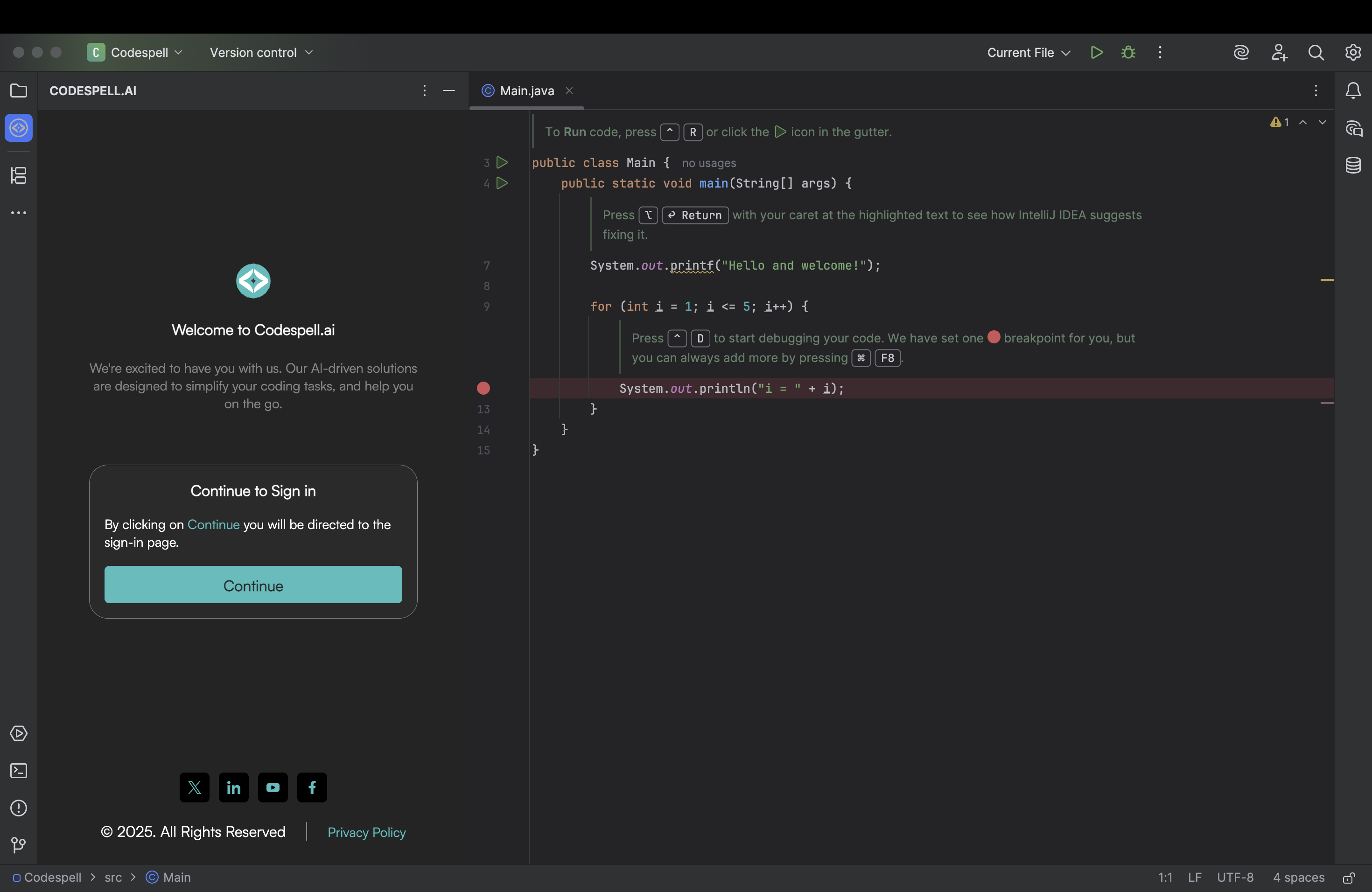
After restart, look for the SoftSpell tab in the bottom or side panel of your IDE.
If you don’t see it, go to View > Tool Windows > SoftSpell.
Click Continue in the SoftSpell panel to begin authentication.
Step 4
Sign in to activate
A browser window will open prompting you to sign in with your SoftSpell credentials or start a free trial.
Once authenticated, your IDE will automatically redirect to the SoftSpell interface.

Step 5
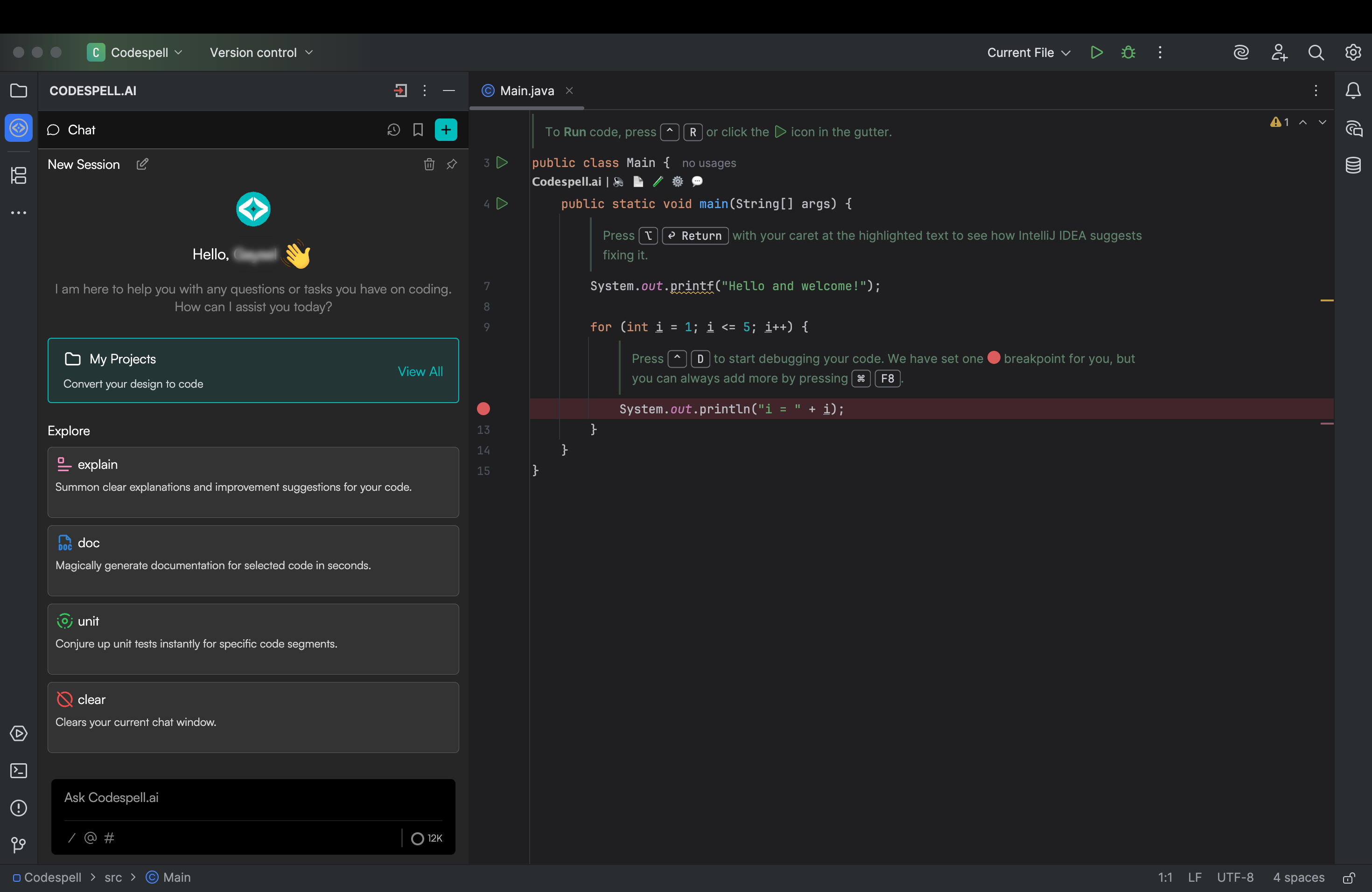
Start with Design to Code
Once you're back in the editor, open the Design to Code to generate full project scaffolds starting from CRUD APIs and test scripts to infrastructure code, all tailored to your tech stack. Just define your schema or upload a spec and let SoftSpell handle the rest. And if you're mid-flow, inline spells like Explain, Docstring, and Optimize are always one hover or Alt + G away.
.svg)