


Changelog
July 1, 2026
.svg)
.jpg)
Business operations keep getting tougher, yet automation tools still fall short. Traditional platforms require rigid rules and constant oversight and fail outside predefined workflows.
That's where the smartest AI assistant changes everything.
Unlike conventional tools, today's best AI code assistants don't just execute instructions; they reason, adapt, and handle domain-specific complexity with minimal hand-holding.
For CTOs, Product Managers, and automation teams drowning in manual workloads, the best AI code assistant isn't a productivity perk; it's a competitive necessity.
In this guide, we compare five of the best, smartest AI assistants: CodeSpell, Cursor, GitHub Copilot, Claude Code, and Qodo across the capabilities that matter most for streamlining complex tasks and maximizing automation efficiency.
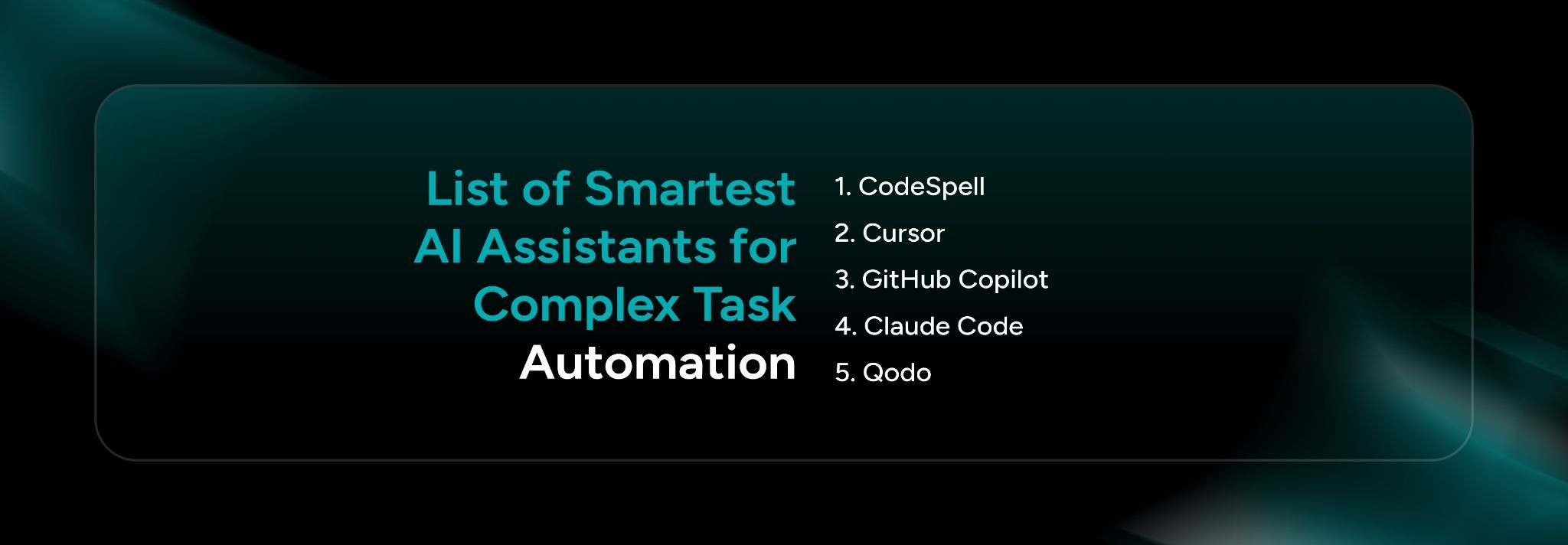
The 5 smartest AI assistants for complex task automation are:
1. CodeSpell
2. Cursor
3. GitHub Copilot
4. Claude Code
5. Qodo
Not all the best AI code assistants are built for the same job. Some accelerate individual developer productivity, some enforce code quality at scale, and others collapse entire phases of the SDLC into a single automated workflow.
Here's a focused comparison of five AI code assistant tools, what they actually do differently, and who gets the most value from each.
1. CodeSpell
CodeSpell is an AI code assistant that helps developers write production-ready code faster and more efficiently. Whether it's generating boilerplate code, converting designs into APIs, or automating repetitive tasks, CodeSpell is a versatile tool that integrates seamlessly with IDEs such as VS Code and JetBrains.
What Makes It Different
Unlike standalone AI code assistant tools, CodeSpell's Design Studio converts Figma designs directly into structured React, Angular, or React Native code, eliminating the need for a manual translation layer between designers and developers. It's not just a suggestion engine; it's a structured generation platform that covers the full journey from UI design to cloud-ready infrastructure.
Key Capabilities
Who It's For
What Sets It Apart
2. Cursor
Cursor is an AI-native code editor built on VS Code that goes well beyond auto-completion. Its standout capability is agentic mode, where you describe a multi-step task in plain English and Cursor's agent writes, edits, runs, and debugs code across your entire codebase to complete it. No manual file-by-file prompting.
Its Tab feature provides context-aware, multi-line completions that account for your project structure, not just the current file. And BugBot handles automated code review on pull requests, flagging issues before they reach a human reviewer.
3. GitHub Copilot
GitHub Copilot's core advantage isn't the code suggestions; it's the depth of integration. It works across VS Code, JetBrains, Neovim, and Visual Studio and connects directly to a team's existing GitHub workflows: pull requests, issues, Actions, and repositories.
Copilot Chat lets developers ask natural-language questions about their codebase, explain functions, suggest refactors, and generate tests without leaving the editor. For teams already operating inside GitHub, there's no context-switching overhead.
4. Claude Code
Claude Code is Anthropic's agentic coding tool, designed for tasks that require more than pattern matching: refactoring large codebases, debugging multi-layered logic, understanding unfamiliar systems, and writing code that demands nuanced reasoning about architecture and edge cases.
It runs in the terminal or IDE and can autonomously read files, run commands, edit code, and execute multi-step tasks with minimal hand-holding. Its long context window (up to 1 million tokens) means it can hold an entire large codebase in context, something most assistants can't do without truncating critical information.
5. Qodo
Qodo positions itself as a code integrity platform, not just a coding assistant. Its focus is on what happens after code is written: review, testing, and quality enforcement at the PR and pipeline level.
Qodo offers 15+ agentic workflows that run across IDEs and pull requests, providing deep codebase context during code review rather than surface-level comments. It catches logic errors, security issues, and test coverage gaps that standard linters miss. Its agents understand the broader intent of a PR, not just the difference.

Each tool in this list solves a distinct problem. Cursor excels at agentic, task-level coding for individual developers. GitHub Copilot is the go-to for teams deep in the GitHub ecosystem. Claude Code handles complex reasoning and large-scale refactoring. Qodo enforces code integrity at the review and pipeline stage.
But if you're looking for one platform that covers the entire journey, from Figma design to production-ready code, API scaffolding, infrastructure, testing, and documentation, CodeSpell stands alone.
For CTOs, Engineering Leads, and Automation teams that can't afford to stitch together five tools to do one job, CodeSpell is the smartest AI assistant built for end-to-end SDLC automation with the compliance guardrails enterprise teams actually need.
Ready to compress your design-to-deployment timeline?




July 1, 2026
Don’t Miss Out
We share cool stuff about coding, AI, and making dev life easier.
Hop on the list - we’ll keep it chill.

© 2026, SoftSpell. All Rights Reserved


