


Changelog
July 1, 2026
.svg)
.jpg)
Featured Snippet
Functional testing software creates bottlenecks when tools depend on manual configuration, sequential test execution, and weak CI/CD integration. Teams wait hours or days for results before they can ship. TestSpell fixes this by generating tests directly from JIRA requirements, running them in parallel across UI, API, and mobile environments, and surfacing results in real time — so testing never holds a release back.
TL;DR: The 30-Second Takeaway
Even with modern CI/CD pipelines, functional testing can silently sabotage speed. Teams spend hours waiting on slow test execution, chasing flaky results, or juggling multiple disconnected tools, all while pressure mounts to release faster. Testing is critical, yes, but outdated or poorly integrated tools turn it into a bottleneck rather than a productivity accelerator.
The surprising fact: according to a 2026 DevOps survey by LogiGear, 61% of teams that have adopted test automation still report that slow testing cycles are their primary release blocker. The tools exist. The speed does not.
In this article, we explore why traditional functional testing software often slows down engineering teams and how TestSpell uses AI-driven automation, parallel execution, and requirement-linked tests to streamline QA, catch defects earlier, and help teams deliver high-quality software at speed.
So, let us start!
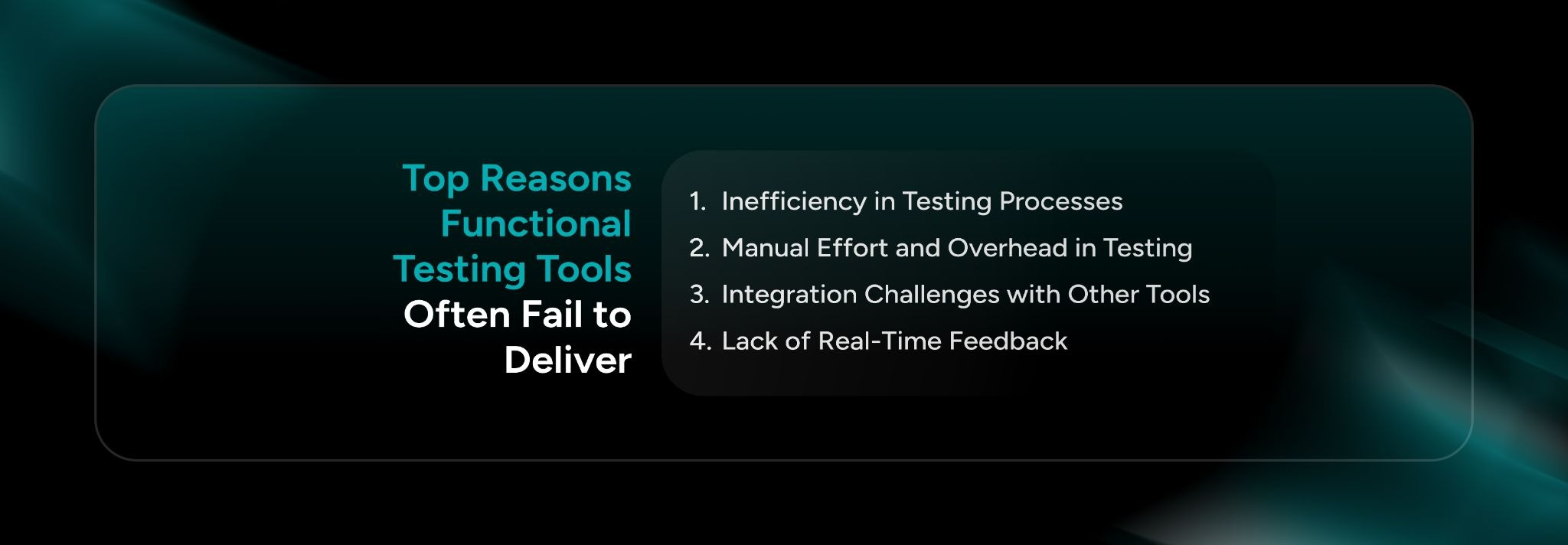
The reasons functional testing tools often fail to deliver are:
1. Inefficiency in Testing Processes
2. Manual Effort and Overhead in Testing
3. Integration Challenges with Other Tools
4. Lack of Real-Time Feedback
As software delivery cycles become faster, testing tools are expected to keep pace without slowing releases. However, many traditional functional testing solutions struggle to meet the demands of modern agile and DevOps environments.
1. Inefficiency in Testing Processes
Traditional functional testing tools were designed around sequential execution. One test run finishes, then the next begins. In a sprint environment, that model does not scale.
A regression suite that takes 12 hours to complete is not a quality gate. It is a release blocker. Teams either skip tests to ship on time or miss deadlines while waiting for results. Neither is acceptable.
2. Manual Effort and Overhead in Testing
Most teams underestimate how much manual work sits inside their 'automated' testing process. Configuration, script maintenance, environment setup, result interpretation, these are not automated. They just moved around.
QA engineers end up spending more time managing test infrastructure than writing meaningful tests. That overhead compounds quickly across distributed teams, especially when configurations differ between local, staging, and production environments.
• Manual configuration takes 20 to 30% of QA time per sprint (Perfecto, 2025)
• Human error in test setup accounts for 35% of false negatives in functional testing
• Test script maintenance consumes up to 40% of QA effort in teams using legacy tools
3. Integration Challenges with Other Tools
Does your testing tool talk to JIRA? Does it push results into GitHub? Does it trigger inside Jenkins without a custom plugin someone wrote three years ago and no one understands anymore?
Most functional testing tools operate as isolated systems. They do not connect cleanly with the issue trackers, repos, or CI pipelines that engineering teams already use. Every handoff becomes a manual step, and manual steps create delays.
4. Lack of Real-Time Feedback
Slow feedback is not just inconvenient. It is expensive. When a developer submits a pull request and waits six hours for test results, context is lost. Bug fixes get batched. Issues discovered late cost significantly more to resolve than those caught immediately.
A 2025 report from Functionize found that teams with real-time test feedback resolve defects 3x faster than teams relying on end-of-cycle reporting. The data is consistent: speed of feedback directly drives speed of delivery.
Choosing the right functional testing solution is critical for teams aiming to accelerate releases without compromising quality. The ideal platform should not only automate testing but also improve collaboration, scalability, and visibility across the entire development lifecycle.
1. Automation as a Key Enabler
Automation in functional testing does not mean writing more scripts. It means removing the manual steps that slow every sprint down: test case creation, environment setup, execution, and reporting.
The right functional testing software should generate test cases from requirements automatically, not from hours of manual authoring after development is already underway.
2. Scalability and Flexibility
Your testing tool needs to keep up as your product grows. A solution that works for one team building one product may collapse under the weight of five teams, three platforms, and a mobile app.
• Can the tool scale test execution across multiple environments without re-configuration?
• Does it support UI, API, and mobile from a single platform?
• Can distributed teams access results, reports, and coverage in one place?
3. Seamless Integration with CI/CD and Development Tools
Functional testing solutions that require manual handoffs between tools are already a step behind. The best solutions embed directly into JIRA, GitHub, Jenkins, and whatever else the team already uses.
A unified SDLC process means testing is not a separate phase. It is a continuous activity running alongside development, not after it.
4. Real-Time Feedback and Reporting
Instant feedback changes how teams work. Developers know within minutes whether their code passes functional checks. QA knows what needs attention before a stand-up. Product knows whether a release is on track without chasing anyone for a status update.
Continuous testing in Agile and DevOps environments is not optional at this point. Teams that still batch test results at the end of a sprint are operating with a significant competitive disadvantage.
5. Cost-Efficiency and ROI
The ROI conversation around functional testing solutions is straightforward. The cost of defects found in production is 10x to 15x higher than defects caught in development (IBM Systems Sciences Institute). Faster, more accurate testing reduces that cost directly.
The real question is not what the tool costs. It is what late releases, production bugs, and QA overhead cost without it.

Engineering teams today need functional testing that keeps pace with rapid development cycles, not tools that introduce new bottlenecks. TestSpell reframes functional testing by automating test creation, aligning tests directly with requirements, and embedding quality throughout the development lifecycle.
It helps teams reduce manual effort, eliminate flaky test maintenance, and accelerate release velocity, all while improving confidence in software quality.
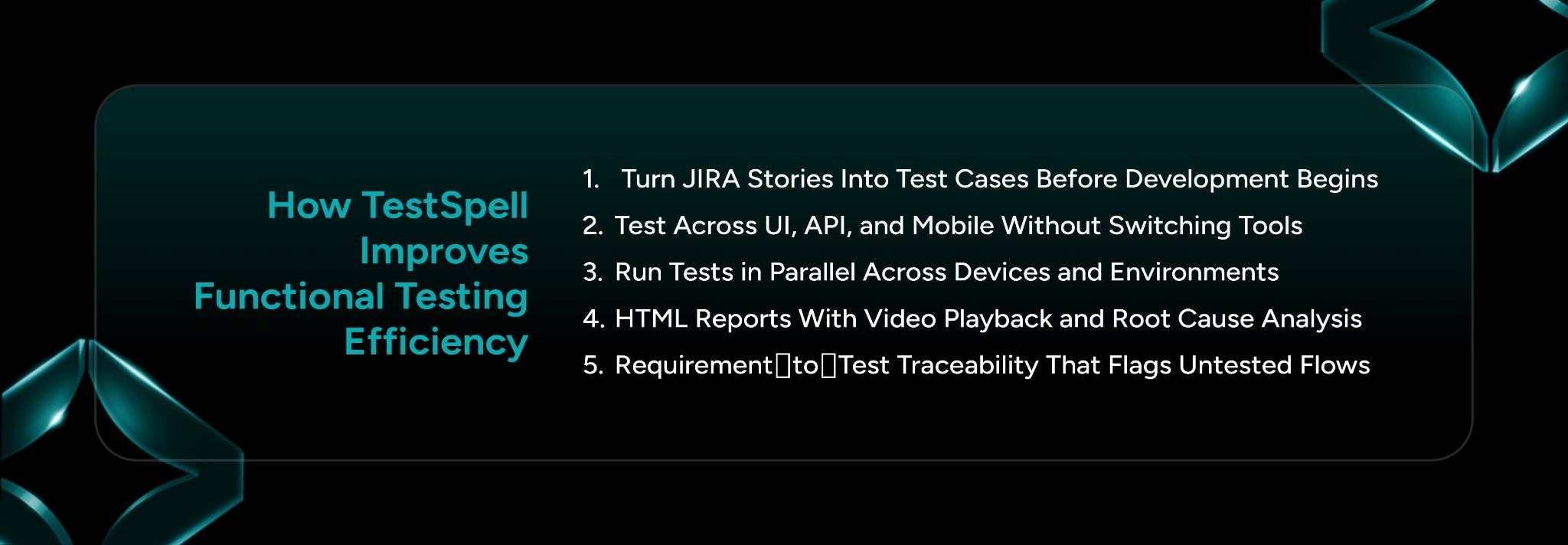
Here are the reasons why TestSpell improves functional testing efficiency:
1. Turn JIRA Stories Into Test Cases Before Development Begins
2. Test Across UI, API, and Mobile Without Switching Tools
3. Run Tests in Parallel Across Devices and Environments
4. HTML Reports With Video Playback and Root Cause Analysis
5. Requirement‑to‑Test Traceability That Flags Untested Flows
1. Turn JIRA Stories Into Test Cases Before Development Begins
One of the biggest delays in traditional QA comes from writing test cases after code is written. TestSpell eliminates that gap by generating test cases from requirements and Jira inputs before development even starts. This means coverage evolves with the build instead of being retrofitted later, reducing rework and early defects.
2. Test Across UI, API, and Mobile Without Switching Tools
Functional testing shouldn’t be siloed, but too often it is. TestSpell unifies test execution across the full stack from UI to API to mobile interfaces within a single flow.
3. Run Tests in Parallel Across Devices and Environments
CI/CD pipelines grind to a halt when tests must run sequentially on every platform, environment, and configuration. TestSpell solves this by executing tests in parallel, dramatically shrinking regression timelines.
4. HTML Reports With Video Playback and Root Cause Analysis
Test execution isn’t useful until teams can understand the results — and fast. TestSpell delivers real‑time HTML execution reports with video playback and built‑in root cause analysis.
5. Requirement‑to‑Test Traceability That Flags Untested Flows
Without traceability, coverage gaps go unnoticed until late in the cycle. TestSpell tightly links tests to requirements, whether coming from Jira, functional specs, or earlier REQ workflows, and automatically flags untested or undercovered flows.

Alongside TestSpell, SoftSpell offers AI-powered solutions built for modern product, engineering, and QA teams.
ReqSpell transforms scattered documents and legacy systems into organized, traceable requirements.
Key Capabilities
CodeSpell helps development teams accelerate coding and improve software quality with AI-powered assistance.
Key Capabilities
Together, ReqSpell, CodeSpell, and TestSpell create a connected AI-powered SDLC ecosystem for faster delivery, improved collaboration, and better software quality.

Functional testing software is supposed to make releases faster and more reliable. When it does the opposite, the problem is not testing itself.
TestSpell is built for that reality: automated test creation from JIRA stories, parallel execution across UI, API, and mobile, real-time reporting with root cause analysis, and traceability that does not require a separate process to maintain.
If your testing cycle is stalling your CI/CD pipeline, the fix is closer than you think.
Ready to stop letting testing slow your team down?
Book a demo and see how TestSpell fits into your existing workflow, from JIRA to GitHub to your CI/CD pipeline, without adding overhead.




July 1, 2026
Don’t Miss Out
We share cool stuff about coding, AI, and making dev life easier.
Hop on the list - we’ll keep it chill.

© 2026, SoftSpell. All Rights Reserved


